❓ Frequently asked questions
Getting started
How do I reset my password?
Click “Forgot password” on the sign-in page, or ask your owner or manager to reset it in Setup › Users. Service ProCall support can also reset it.
How do we set up a new account?
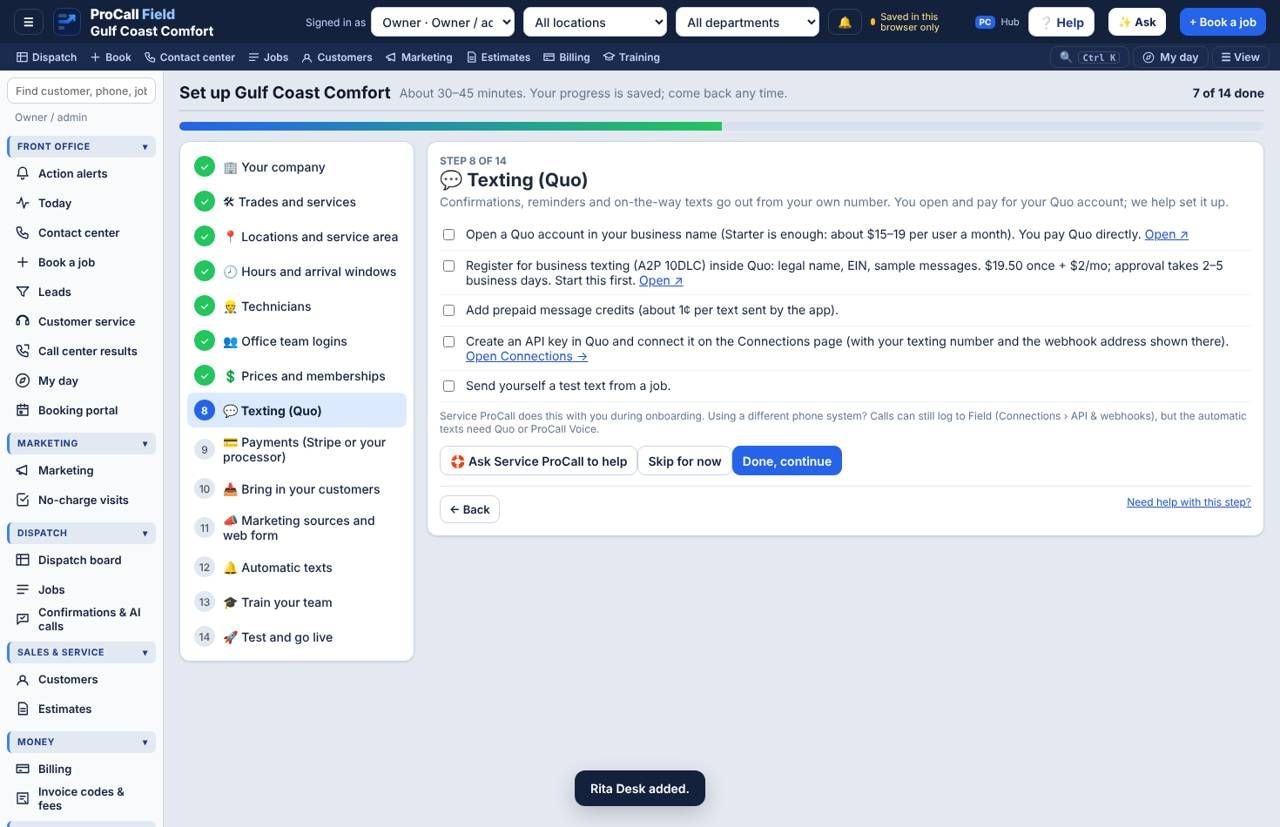
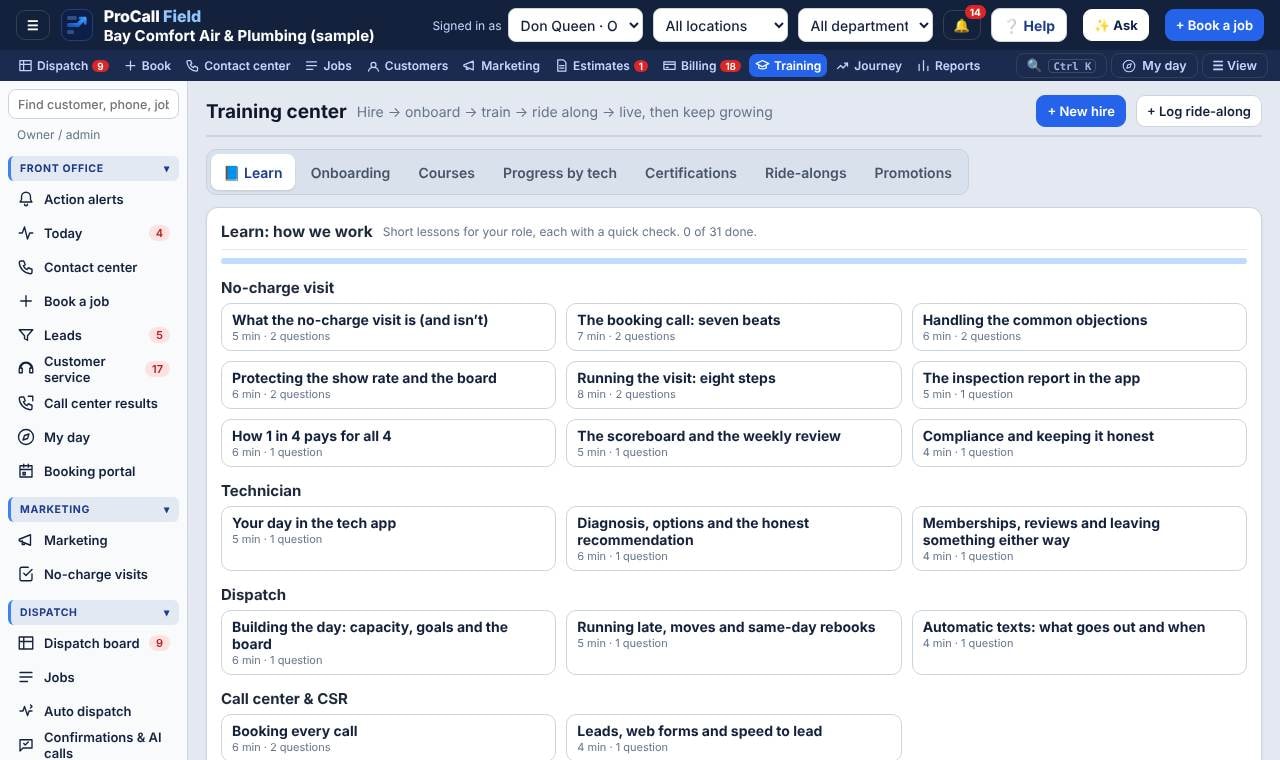
A new account opens on Get set up: 14 steps from company details to going live. Your progress saves as you go, and Service ProCall can help with any step.
Does it work on a phone or tablet?
Yes. Techs use the tech app on their phones; add it to the home screen from the browser. It works without signal and syncs when the phone reconnects.
Who can see what?
Each role sees its own pages: techs see their own day; dispatchers see the board; call center sees booking; owners and managers see everything for their company. No client can see another client.
Booking
Why can’t I book a time?
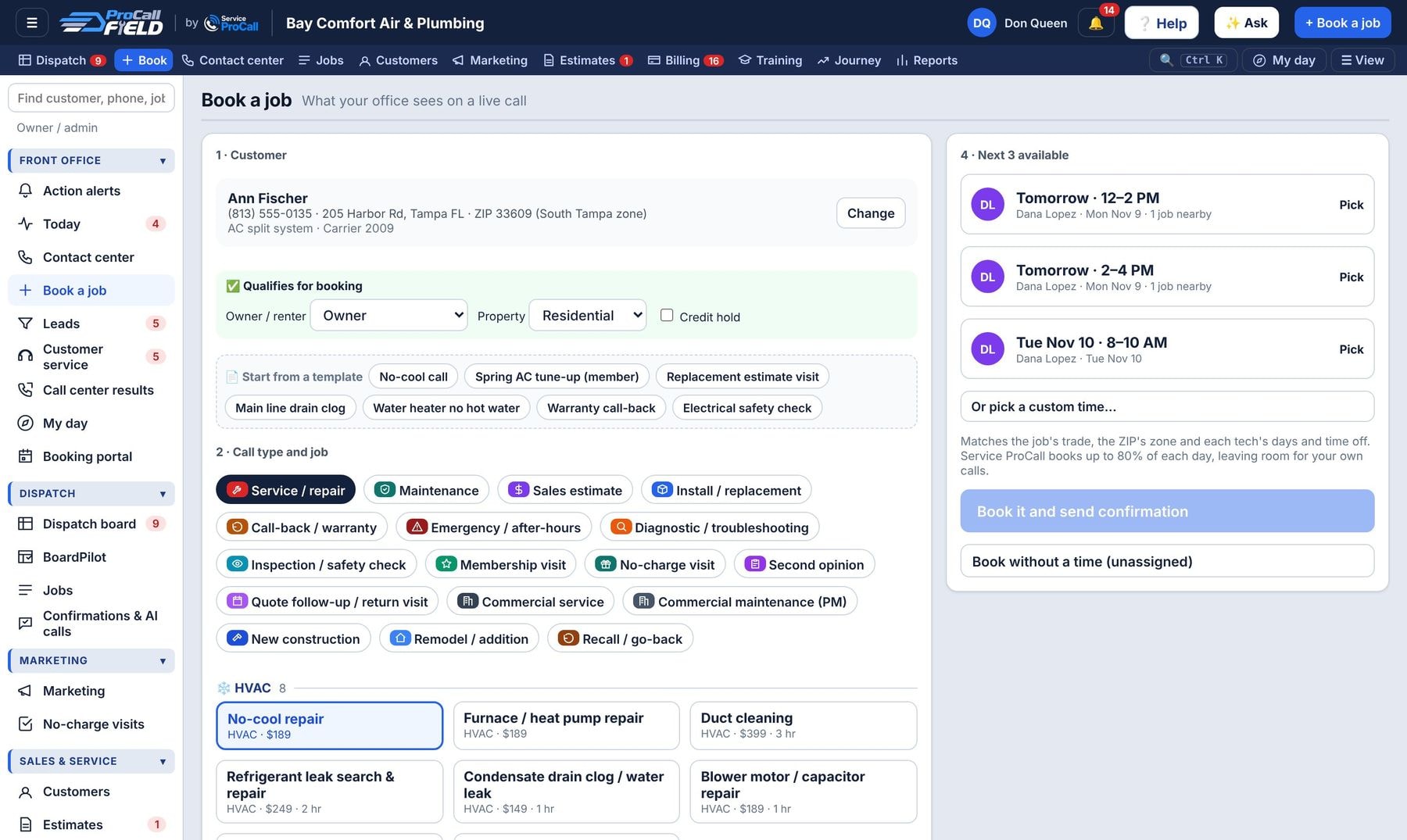
The times shown are real openings: a tech with the right skill, in that ZIP’s zone, not off, with room in the window. If none fit, book without a time; it goes to Pending for dispatch.
How do I book a job that needs two visits?
Book the first visit, then on the job page use Go-back / continuation. The second visit is linked to the first and suggested to the same tech.
Dispatch
How do I un-dispatch a job?
Drag the tile from the board onto the Pending column, or open the job and click ↩ Back to Pending. Only jobs that haven’t started can be moved back.
Can I change the order of the columns on the board?
Yes. Click ⇄ Arrange or drag a column by its title. “Pending next to the board” is one click. Your layout is saved; an admin can make it everyone’s default.
A tech called out sick. What do I do?
Click the tech’s name on the board › Call-out. Their jobs go to Needs reschedule; Auto-assign or drag each one to another tech. Customers whose time changes get a text.
What is BoardPilot?
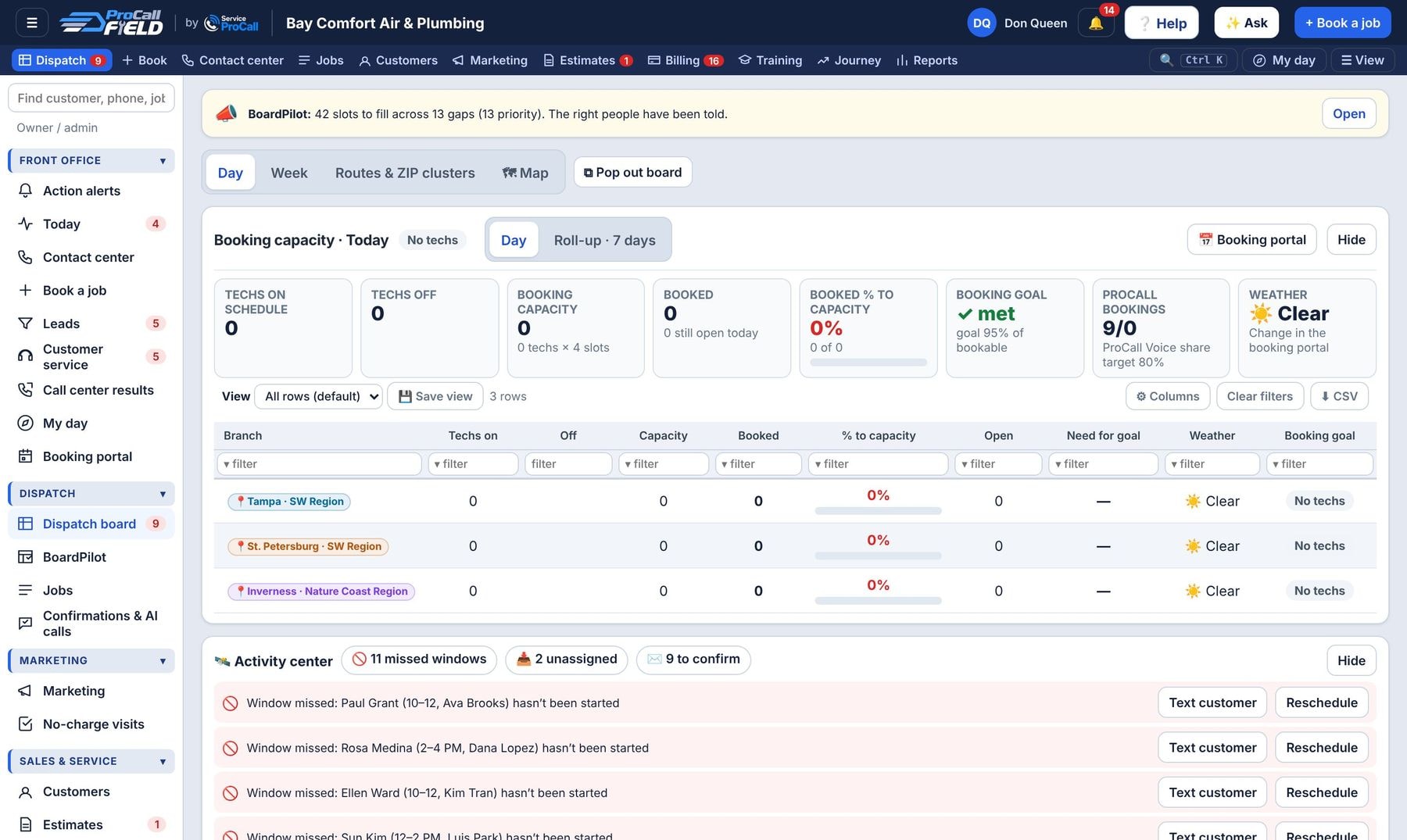
Dispatch › BoardPilot is ProCall Field’s autopilot for a full board. It checks every branch and trade for the next few days against your booking goals. For each gap it lists the techs with room, the services they are qualified for (job requirements and skill levels), the zones they cover and the customers to call, with the slot to offer. The right people are notified (reps on that branch, then dispatch, then the branch and service manager) by the app, text or email until someone books or taps I’m on it. Set the steps, wait time, channels and quiet hours under Settings.
Can Field move techs to where the work is?
Yes. When a zone has jobs waiting and no room, BoardPilot › Tech moves suggests lending a qualified tech from a nearby zone for that day only, and moves jobs booked with a tech below the job’s skill level to the right tech. Choose Automatic or Ask dispatch first under Settings.
How do I cut drive time?
On the Dispatch board, click ⚡ Optimize routes. Field tries moving or swapping jobs between qualified techs in the same arrival window, so customers keep their times, and shows the miles and minutes saved before you apply. Jobs already started, crew jobs and jobs pinned to a tech stay put. Each tech row also shows their estimated drive for the day (🚗), with ⚠ when one leg is longer than your limit.
Where do I put an emergency call?
Click 📍 Fit in a job on the Dispatch board. Field ranks every qualified tech and open window by the soonest arrival, then the fewest extra miles, and shows the drive in. Pick a day, then Assign.
What is the Activity center?
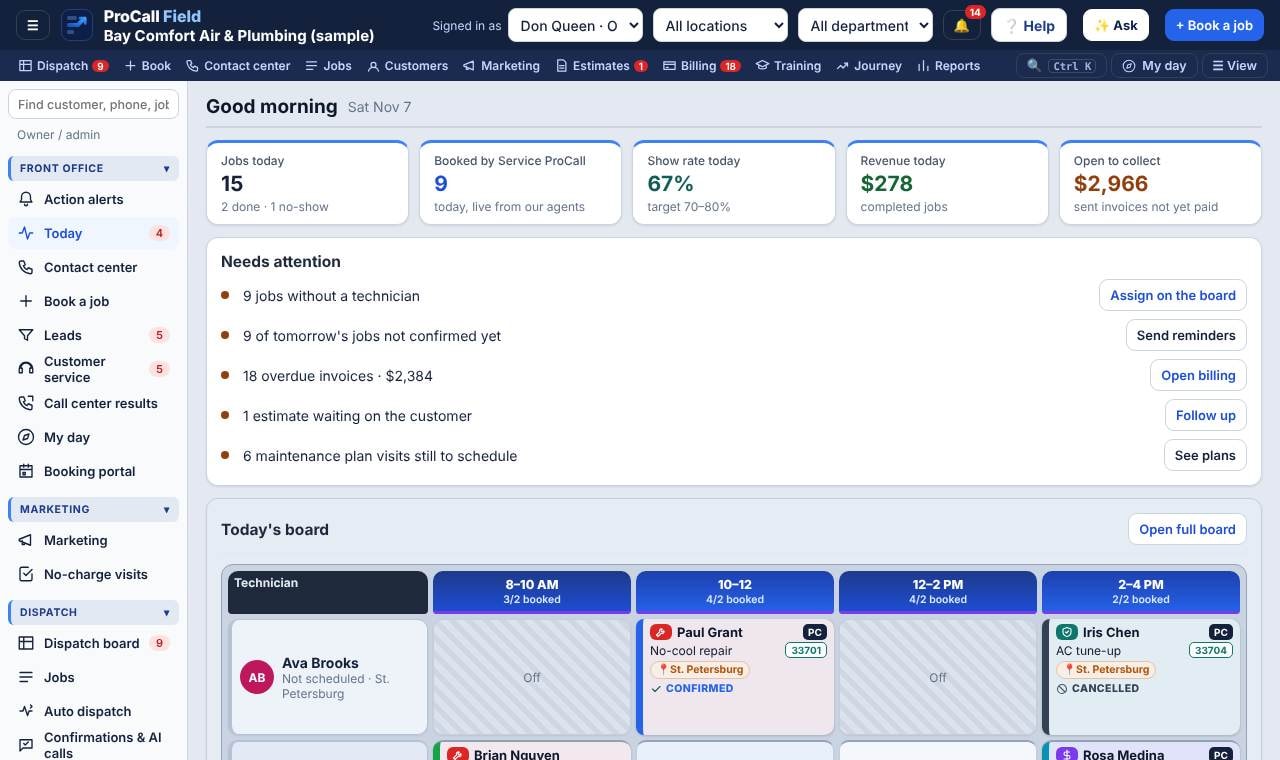
The strip above the board lists what needs a dispatcher now: techs who will be late (with a one-click new arrival time text), missed windows, unassigned jobs, jobs running long, idle techs, long drives and tomorrow’s unconfirmed jobs. Late texts can also go out automatically (Setup › Zones, ZIPs & time slots › Routing, arrival and late alerts).
Can the tech app mark arrival by itself?
Yes. When a tech is On my way and their phone reaches the customer’s address, the job is marked Arrived and the time is recorded; you can also text the customer. If the tech leaves before closing out, the app asks them to close the job. Customer addresses are matched to an exact map pin automatically on the server version.
Can everyone get their to-do list each morning?
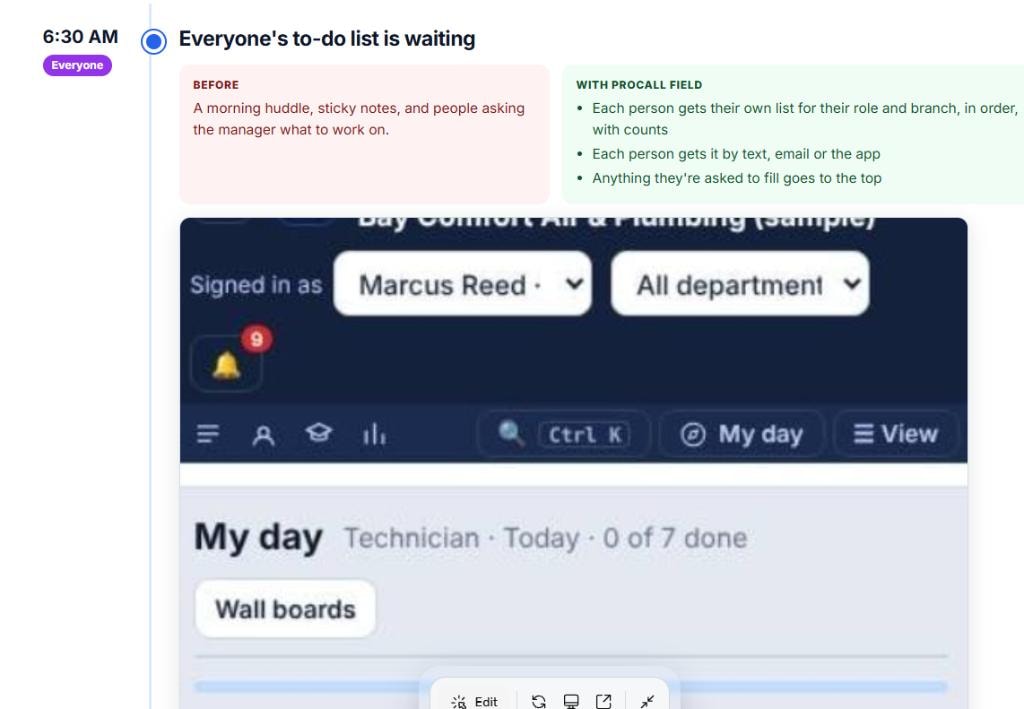
Yes. BoardPilot › Daily to-dos sends each person their My day list for their role and branch at the hour you choose, by the app, text or email. Add a mobile number and email on each user under Setup › Users.
Can the dispatch board have its own window?
Yes. On the Dispatch board click ⧉ Pop out board. It opens in its own window with just the board and a live bar (unassigned and late jobs), so you can keep it on a second screen. Anything booked or moved in any window shows up in the others right away. If your browser blocks pop-ups, it opens a full-screen focus view instead.
Where do the reasons techs pick go?
On the job, the board, Reports (group by Tech close-out, Go-back reason or No-show reason) and to ProCall Hub with the job.
Texts
A customer says they never got the text.
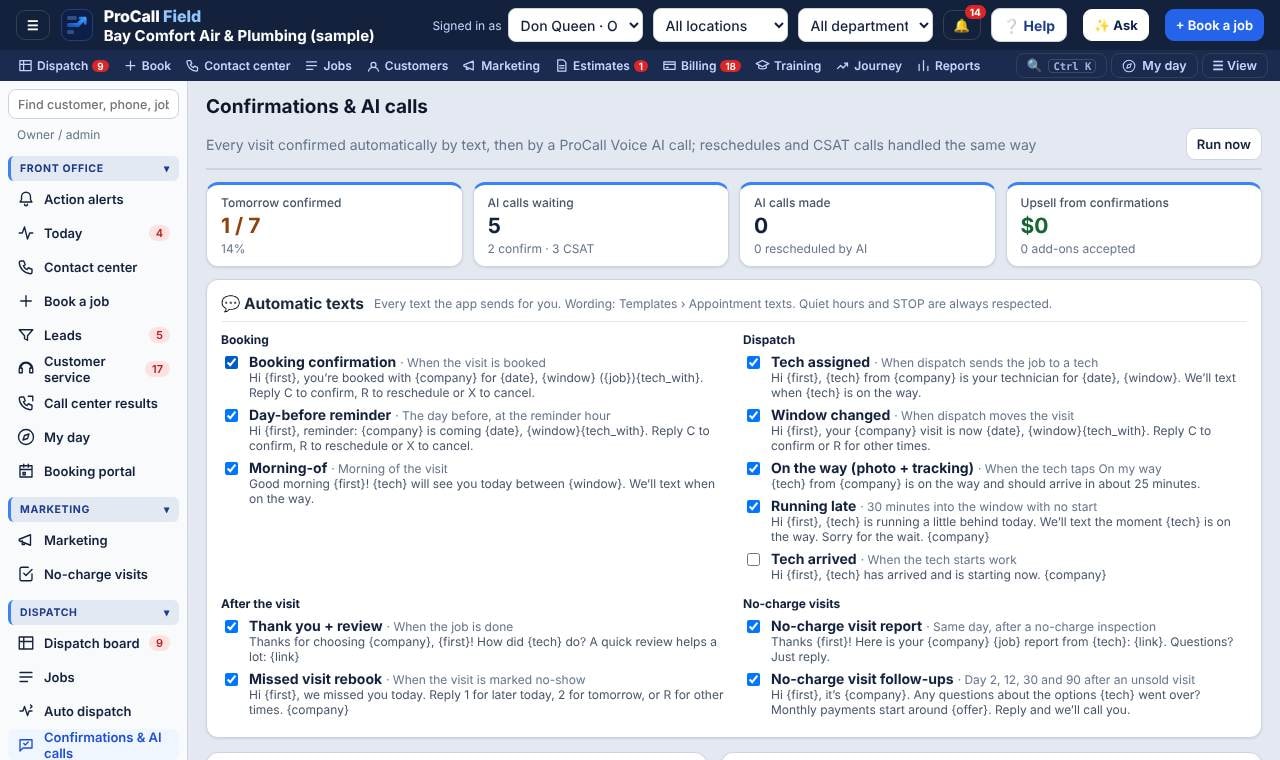
Check the customer’s phone number and whether they replied STOP (shown on the customer file). Texts also wait during quiet hours. The job history shows every text sent.
Can I change what the texts say?
Yes: Templates › Appointment texts. Use fields like {first}, {date}, {window}, {tech}, {company}.
Do we need Quo?
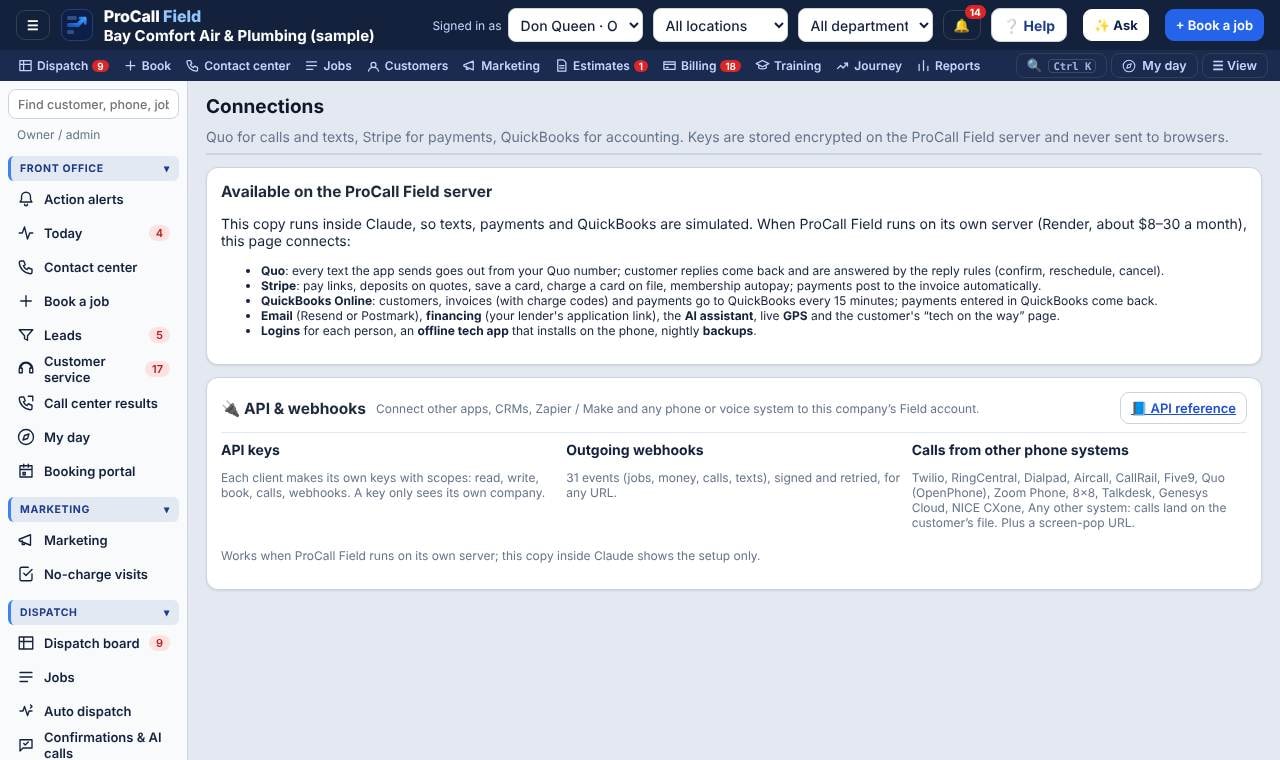
Automatic texts send through the shop’s own Quo number. Calls can stay on Quo or the phone system you already use (RingCentral, Dialpad, Aircall, Zoom Phone, 8x8, CallRail and others). The shop opens and pays for its own Quo account; Service ProCall helps set it up.
Payments
How much does Stripe charge?
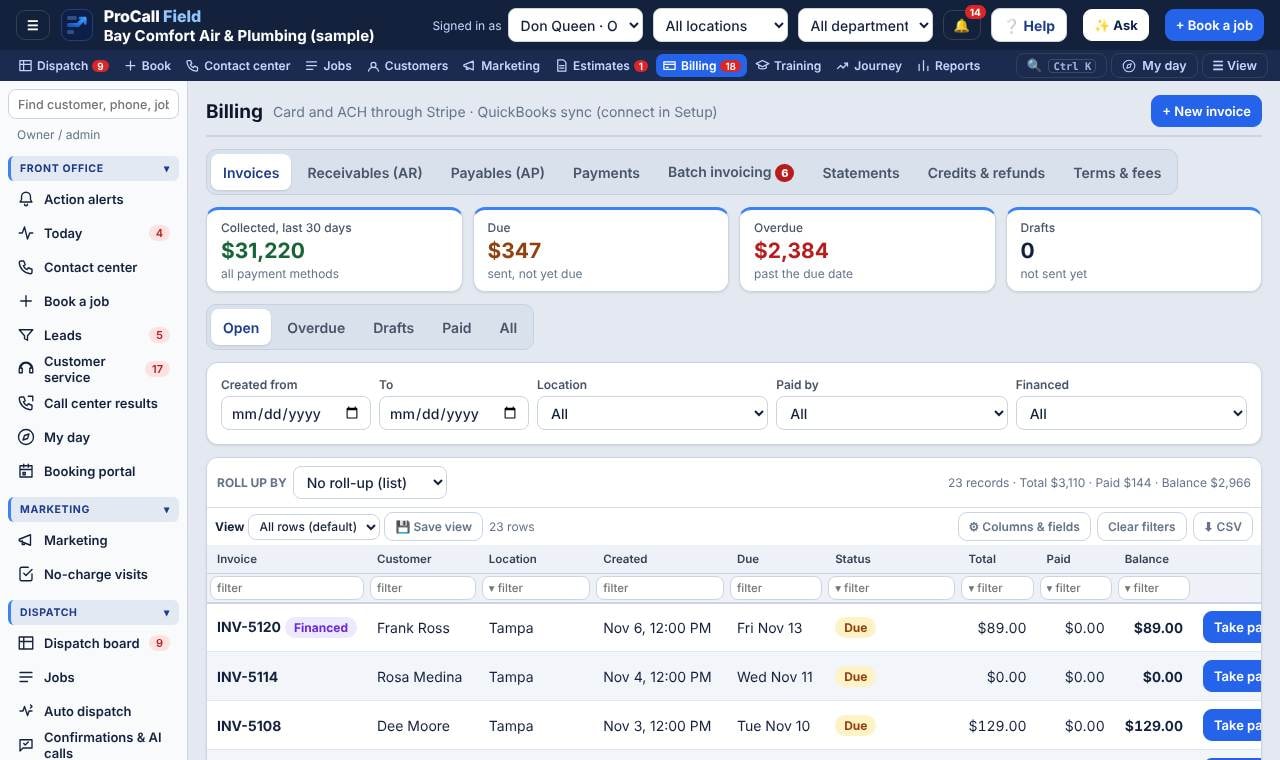
Stripe’s standard US rates: 2.9% + 30¢ per online card payment, 2.7% + 5¢ in person, and 0.8% (max $5) for ACH bank payments. The shop pays Stripe directly.
Can we use a processor other than Stripe?
Yes, but pay links, card on file and autopay are built for Stripe. With another processor, record payments on the invoice by hand.
Does it sync with QuickBooks?
Yes, QuickBooks Online: customers, invoices and payments sync every 15 minutes, and payments entered in QuickBooks come back to the invoice.
Marketing
How do leads get their source?
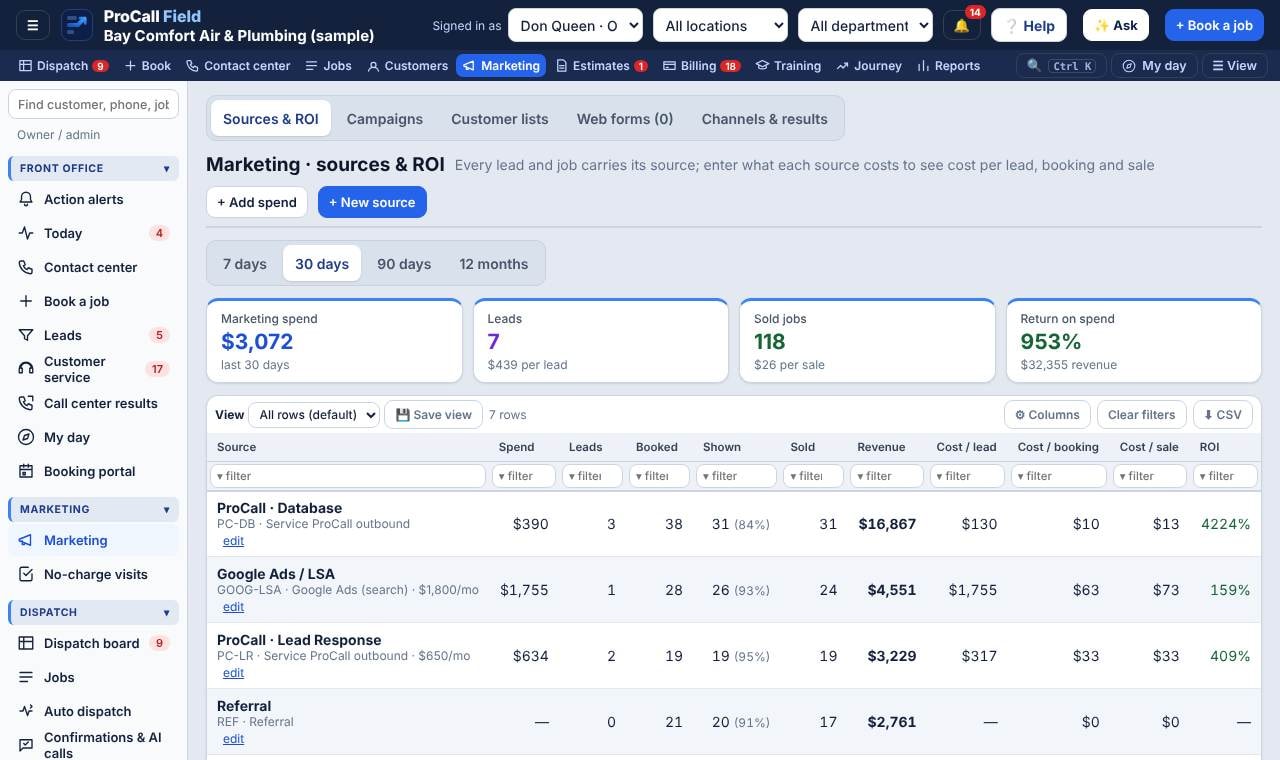
From the source picked when booking, the web form (each form is tied to a campaign), the tracking code or UTM in the link, or the ad platform that sent the lead.
How do I put a web form on our website?
Marketing › Web forms › choose the form › copy the link or the embed code and paste it into your website. Your web designer can also post your existing form to the address shown.
Where do I enter what we spend on ads?
Marketing › Sources & ROI › + Add spend, or set a recurring monthly cost on the source so it posts itself each month.
No-charge visits
Is the no-charge visit really free?
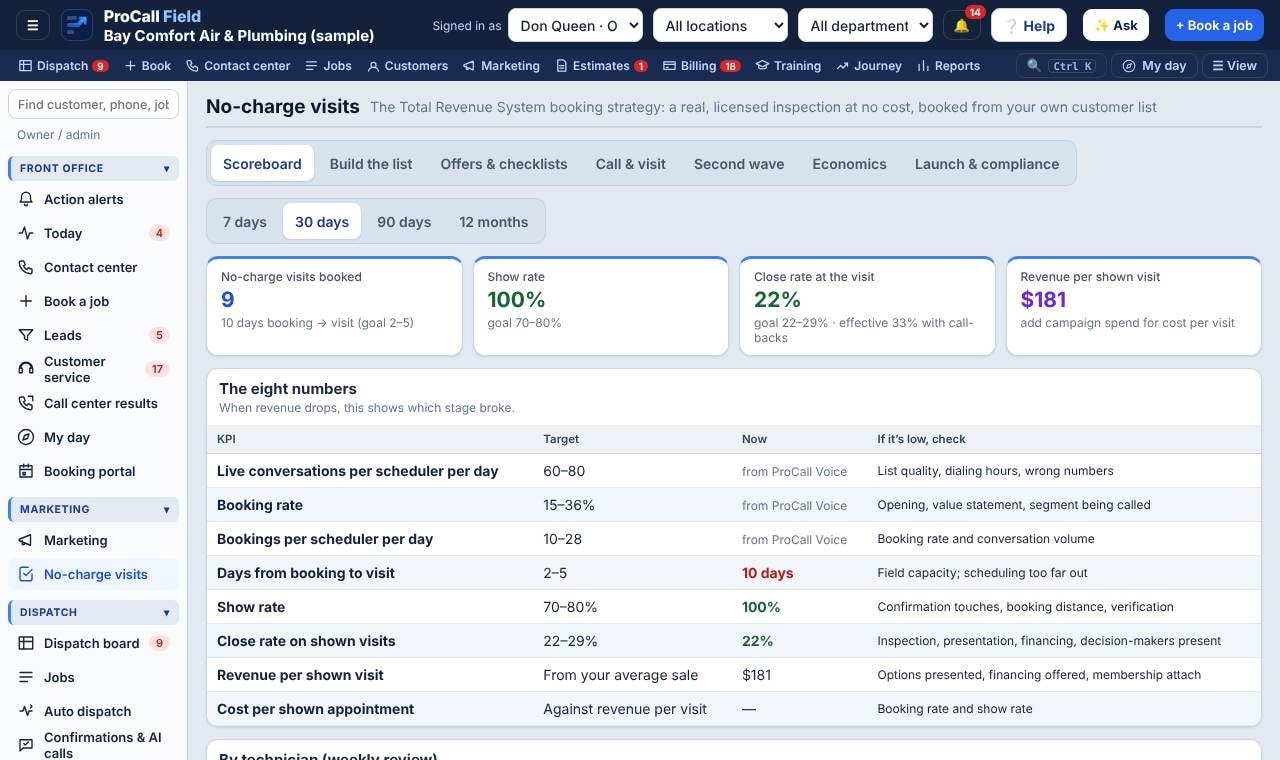
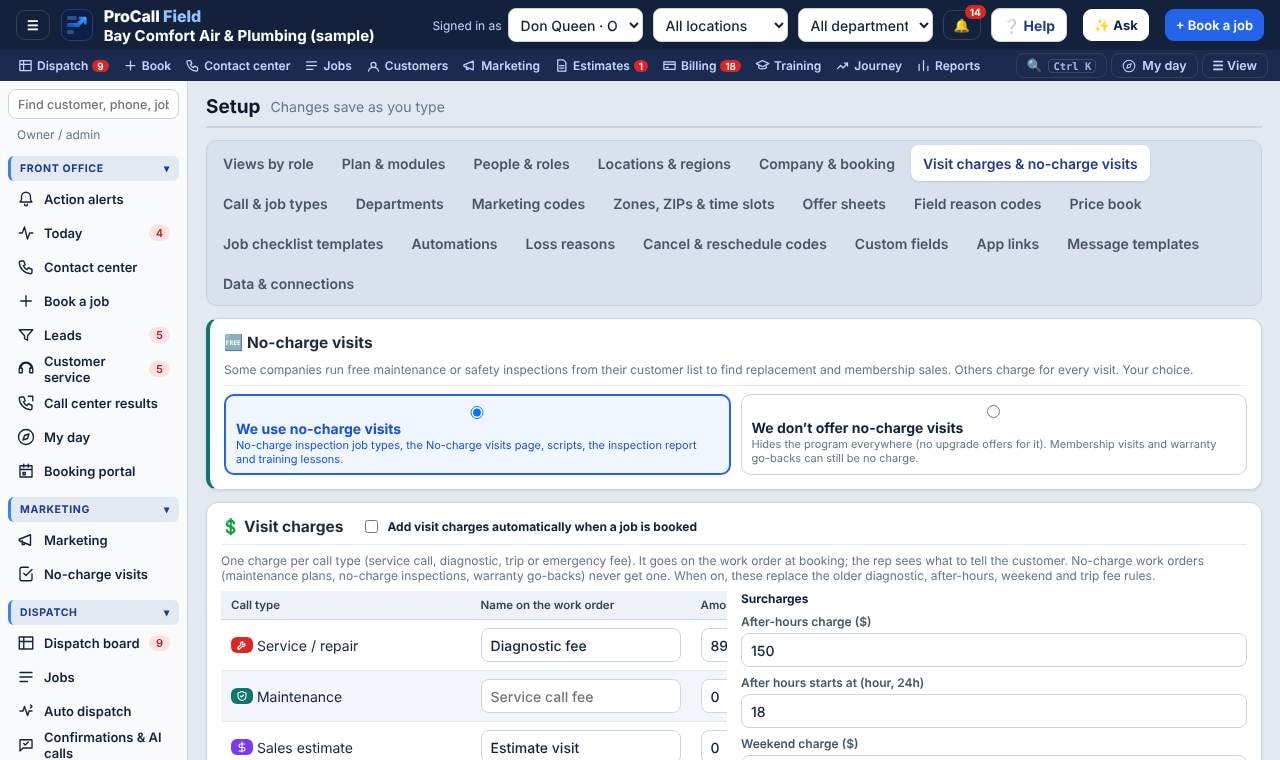
Yes: no trip fee, diagnostic fee or required purchase. The homeowner keeps a written report either way. That honesty is what makes it work.
What close rate should we expect?
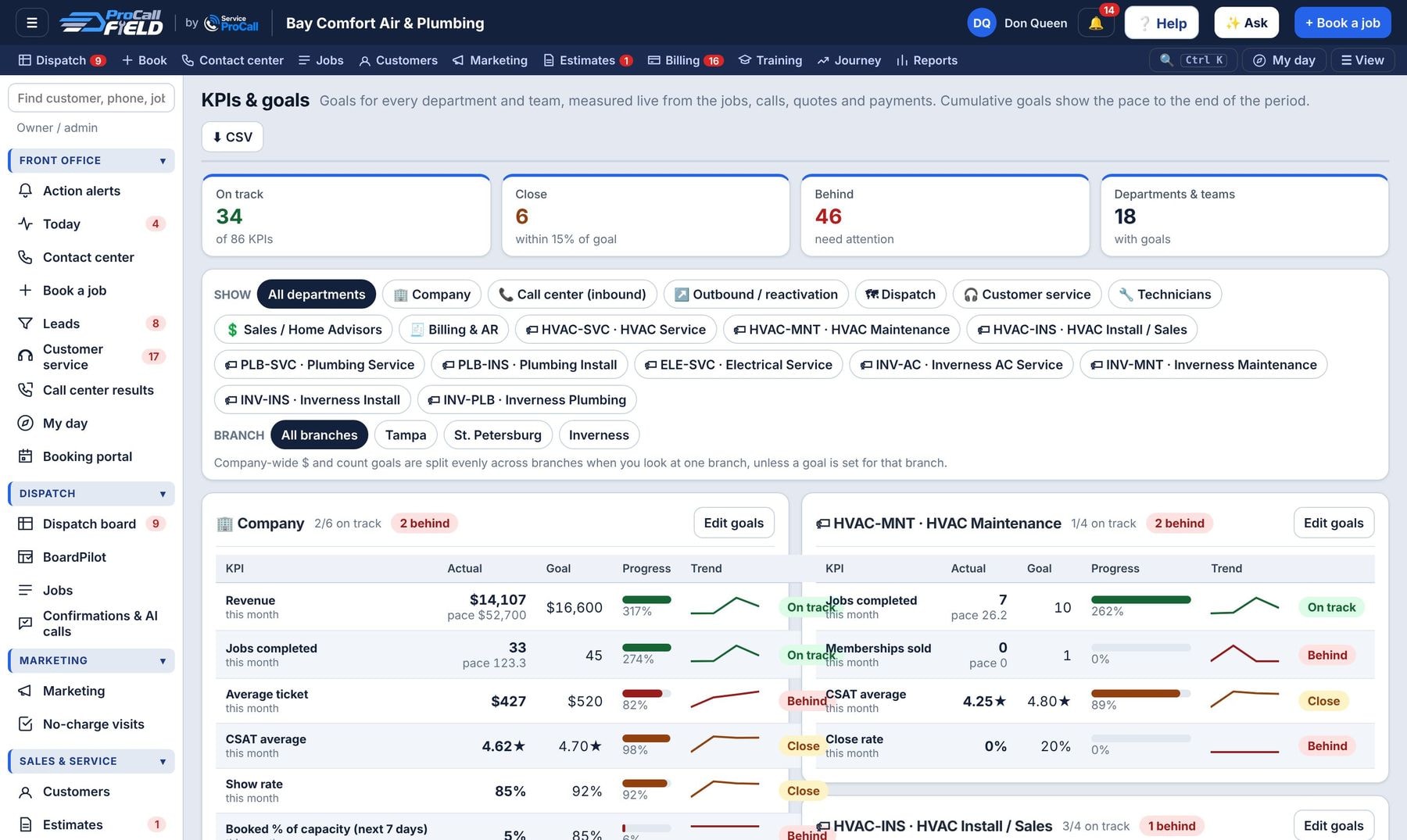
Well-run programs close 22–29% at the visit, and about 15% of non-buyers buy within 90 days with the second-wave follow-up.
Account
How do we change our package or add techs?
Ask your Service ProCall account manager or open a support ticket. Packages and sizes are set by Service ProCall.
Can we export our data?
Yes. Every list has CSV export, and Service ProCall can provide a full export of your account on request.
Is our data backed up?
Yes. The server keeps a nightly backup for 14 days, stored separately from the app.
Can we add a department like Renovations or Construction?
Yes. Setup › Departments › + Add a department. Pick a ready-made one (Renovations, Construction, Roofing, Solar & batteries, Indoor air quality, Appliance repair, Handyman, Garage doors, Pools & spas, Commercial) or type your own. It sets up the job types, call types, business-unit codes, marketing source codes, call-intake questions, work-order notes, checklists, an offer sheet, price-book items and skills, then asks which techs work in it. Turn a department off to hide it without losing history.
What are segments?
Groups your departments roll up into for reports and the top filter, for example Residential service & repair, Residential replacement & installs, Remodeling & construction and Commercial. Set them in Setup › Departments; a whole department or a single business unit (like HVAC Install) can point to a segment. Reports › Revenue by segment opens segment → department → business unit.
Where do we fill in the onboarding paperwork?
Onboarding portal (also linked from Get set up): business information, key contacts, the order form, the Master Services & Sales Agreement, KPIs and rate card, billing contact and payment authorization (card or bank saved on Stripe’s page), the call-handling guide our agents use, texting registration for Quo, logo and colors, and your data files. Signatures are recorded with name, title, time and IP, and Service ProCall sees your progress.
Which roles are there?
Leadership: owner, regional manager, branch manager (operations), service manager. Office: call center manager / CSR lead, dispatcher / CSR, contact center rep, business development rep (outbound), customer service, service agreement coordinator, accounting / AR, marketing manager. Sales: senior sales advisor (SSA), home sales advisor (HSA), commercial account manager. Field: technician, lead installer, apprentice / helper (sees their lead’s day, no prices), field supervisor / QA & trainer, install manager, warehouse, parts & fleet. Each opens on a My day plan for that job; rights are adjustable under Setup › People & roles.
Support
How do I report a problem or ask for a feature?
Click ? Help › Support tickets › New ticket. Pick Issue, Feature request or Question, describe it, and attach a screenshot. You’ll see replies and status on the ticket.
What are the support hours?
Standard support: business hours, Monday to Friday. Priority and Premium support plans add phone support and faster response times.
Field
Does the app work without signal?
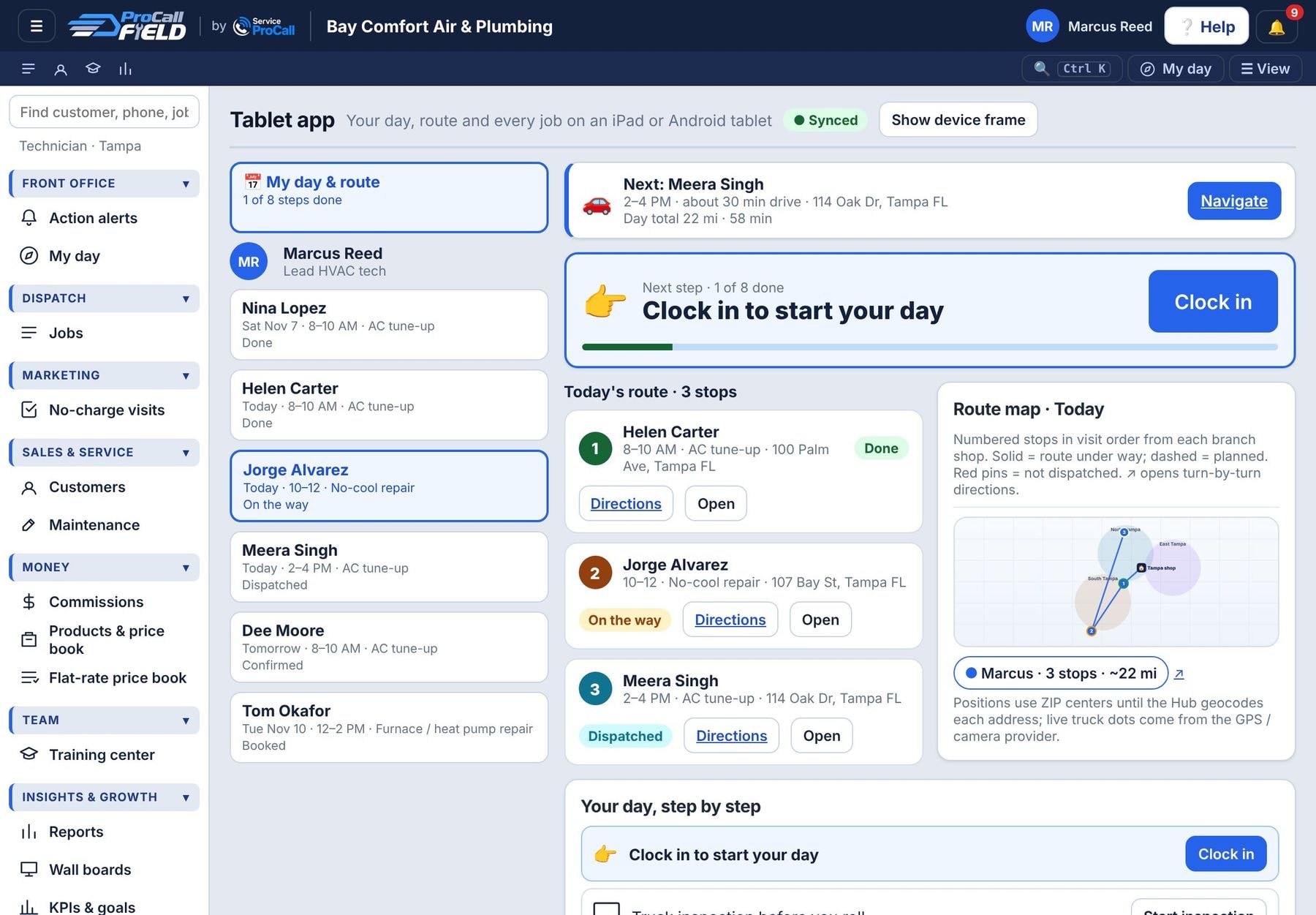
Yes. The app is saved on the device and every change is stored on the tablet or phone, then sent when it’s back online. The chip at the top of the tablet app shows Synced, Saving or Offline with the number of changes waiting.
Can techs use iPads or Android tablets?
Yes, tablets are the main way techs work: the app opens on My day & route with big buttons, the job brief, checklists, photos, offer sheets and close-out. Add it to the home screen for a full-screen app.
How do techs ask for a Google review?
When a tech completes a job on the tablet, the review screen comes up: a thank-you, five stars and a QR code. The customer scans it with their phone camera and lands right on your Google “write a review” page. The tech can also text the link. Add your Google review link (or Place ID) in Setup › Company & booking; one per branch if each has its own listing. Show it to every customer: Google and the FTC don’t allow asking only happy customers or offering anything for a review.
Setup
We own several companies or franchise locations. Can one login see them all?
Yes. Each company or location is its own ProCall Field account, with its own customers, board, settings and billing. Service ProCall links them, and an owner can give people access under Setup › People & roles › Access across your companies & locations. Anyone with access to more than one sees a ▼ next to the company name at the top of the screen to switch between them, with the role they have in each. Branches inside one company stay under Setup › Locations & regions.
Can we add our own logo?
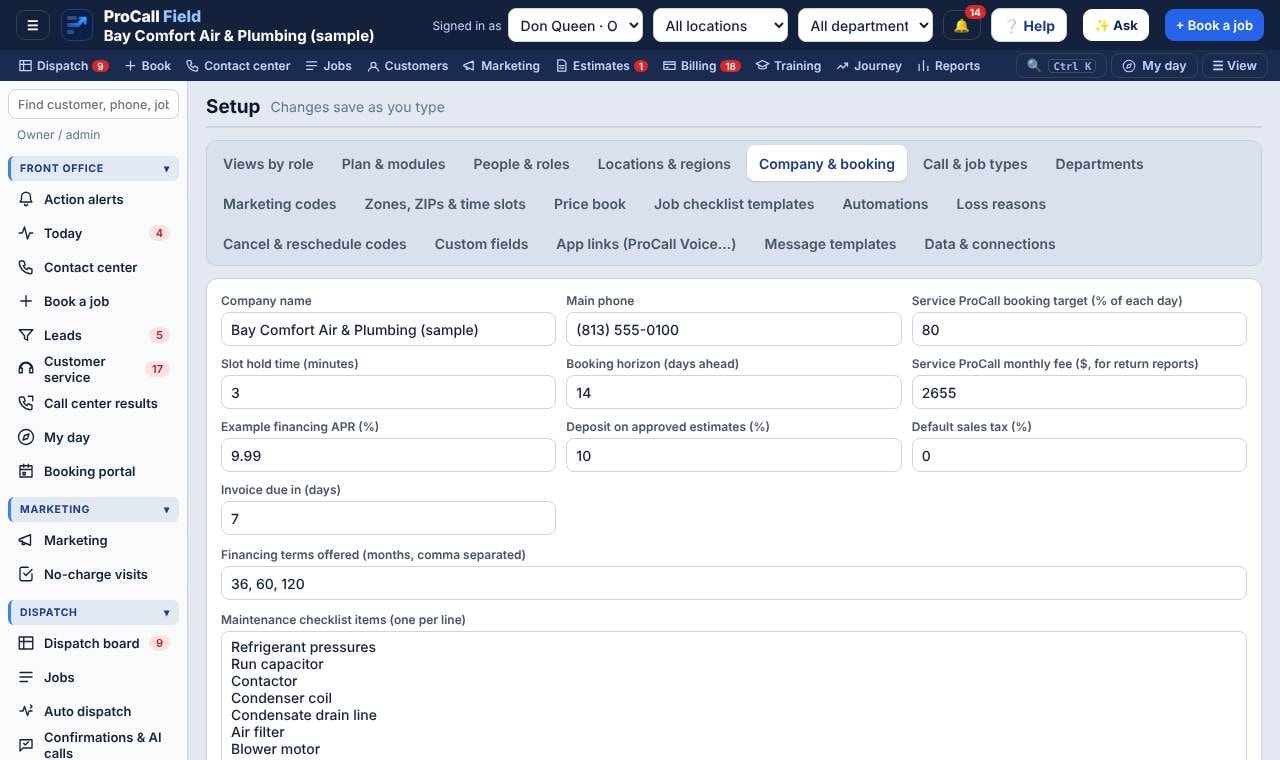
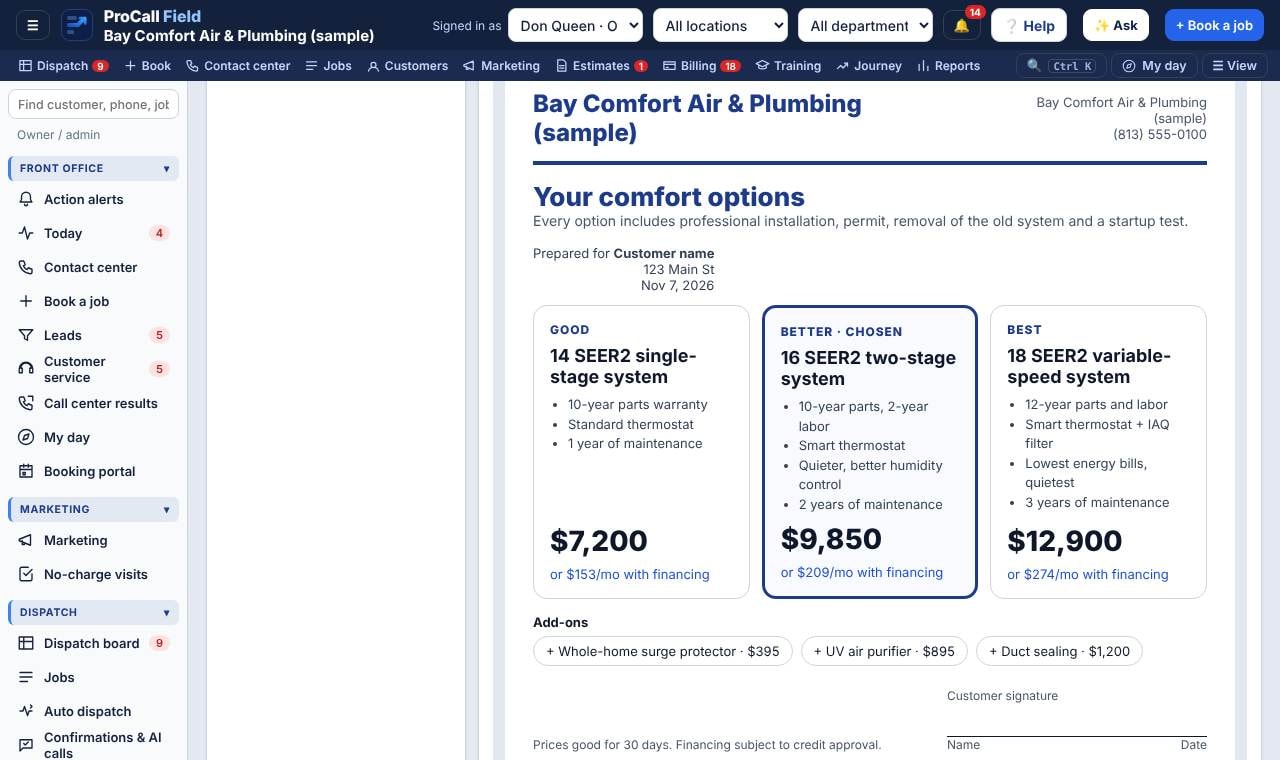
Yes. Setup › Company & booking › Your logo: upload a PNG, JPG or SVG (a wide logo on a transparent background works best). It goes on everything customers see: invoices, estimates and maintenance reports (the link they get by text or email, and when you print or save a PDF), every email you send them, statements, the customer portal, offer sheets, the review QR card, your booking page and web forms, and the pages they open from your texts. You can also add it in the onboarding portal’s Brand step.
Billing
Can we pay for the year up front?
Yes. Setup › Plan & modules › Billing term & renewals: choose Annual prepay to save the discount shown (10% by default). It starts on your next billing day, renews automatically each year (you get reminders 30, 7 and 1 day before), and if you turn auto-renew off your account simply moves to monthly billing at the end of the year. Usage, if any, is still billed monthly.
How do we cancel, and is there a fee?
The owner can cancel in Setup › Plan & modules › Billing term & renewals with 30 days’ notice: the account stays open until then. On annual prepay there’s an early-cancellation fee of half of one month, and payments already made aren’t refunded. If you just don’t want another year, turn off Renew automatically instead: you keep the year you paid for, then move to monthly, with no fee.
Will we get reminders and receipts for our ProCall Field bill?
Yes. Before each charge or renewal you get a reminder in the app (the bell) and by email to the owner and accounting users. After every payment, including autopay, you get a “Payment received” notice and email with the receipt link. If a payment fails, you get a notice with a link to pay or update your card.
We don’t do free visits. Can we turn that off?
Yes. Setup › Visit charges & no-charge visits › “We don’t offer no-charge visits”. Then set your diagnostic or service call fee per call type.
Money
Where do we track vendors like Home Depot Pro or the supply house?
Vendors & suppliers (on every plan). Add your supply houses, distributors, Home Depot / Lowe’s Pro accounts and online suppliers, or pick from the starter list. Techs log what they buy for a job with 🧾 Parts receipt on the job or tablet; it goes to payables and the job’s cost.
Does ProCall Field do payroll?
It prepares it. Payroll adds up clocked hours (overtime and double time by your rules), salary, commissions from the Commissions page, bonuses and reimbursements each pay period. You approve it, then send the hours to QuickBooks Online Payroll (QuickBooks add-on) or download the import file for ADP, Paychex, Gusto or your accountant. Your payroll provider still pays people and files taxes. Office staff on hourly pay clock in and out from My day.
Can we take tools, uniforms or a pay advance out of someone’s pay?
Yes. Payroll › Deductions › + Deduction: pick the person, type (tools, equipment, uniforms, damage, pay advance…), total and amount per pay period. It needs the employee’s signed authorization (the deduction form in the HR packet, or signed right there), stops when the balance is paid, is reduced automatically if it would push hourly pay under your minimum wage, and goes to ADP, Paychex, Gusto or QuickBooks with its own deduction code.
We install for The Home Depot Home Services. How does that work?
Add The Home Depot Home Services as a vendor of kind “Retail installation partner”. On a job they sent, pick the partner and type their order number. The job gets the HD-HS source code, the invoice is billed to the partner (not the homeowner) on the partner’s pay terms, and the Vendors page shows jobs sent, done, billed and unpaid per partner.
Team
Where do we track trucks, trailers and equipment?
Fleet & equipment › Vehicles & equipment. Each unit has its VIN or serial, plate, assigned tech, owned or leased, registration, insurance and inspection dates, and a service schedule by miles or days. Service visits can create the vendor bill; techs log fuel from the tablet; meters and jetters can be checked out to a tech. The overview lists anything overdue.
What paperwork does a new hire do?
HR & onboarding › + New hire creates the person, their pay setup and a packet picked by position: offer letter, W-4, state withholding, direct deposit and I-9 (done on the official form or in your payroll provider’s portal, so SSNs and bank numbers are never stored here), emergency contact, sizes, handbook, harassment, safety and PPE, drug and alcohol consent, background and driving-record authorizations, vehicle and device policies, deduction authorization, confidentiality, license and certification uploads, plus employer tasks (I-9 Section 2 within 3 business days, state new-hire report). New hires sign from My day or the tablet. Wording is editable under Forms library; have it reviewed for your state.
How do we track driving and safety compliance?
Compliance shows every employee against the requirements that apply to them: driver license, yearly MVR review, vehicle policy, daily inspections and dash-camera score; OSHA 10, safety courses, monthly safety meetings and PPE; EPA 608 and state licenses; background and drug tests (with a random-pick button); I-9, handbook and yearly harassment training. Red is missing or expired, amber is coming due. The injury log feeds your OSHA 300 records.