by Service ProCall

One day, one app. From the first call to Friday payroll.

Most service companies run on a whiteboard, a few spreadsheets and five or six separate apps. Here is the same day in ProCall Field, and what each step replaces.
6:30 AMEveryone

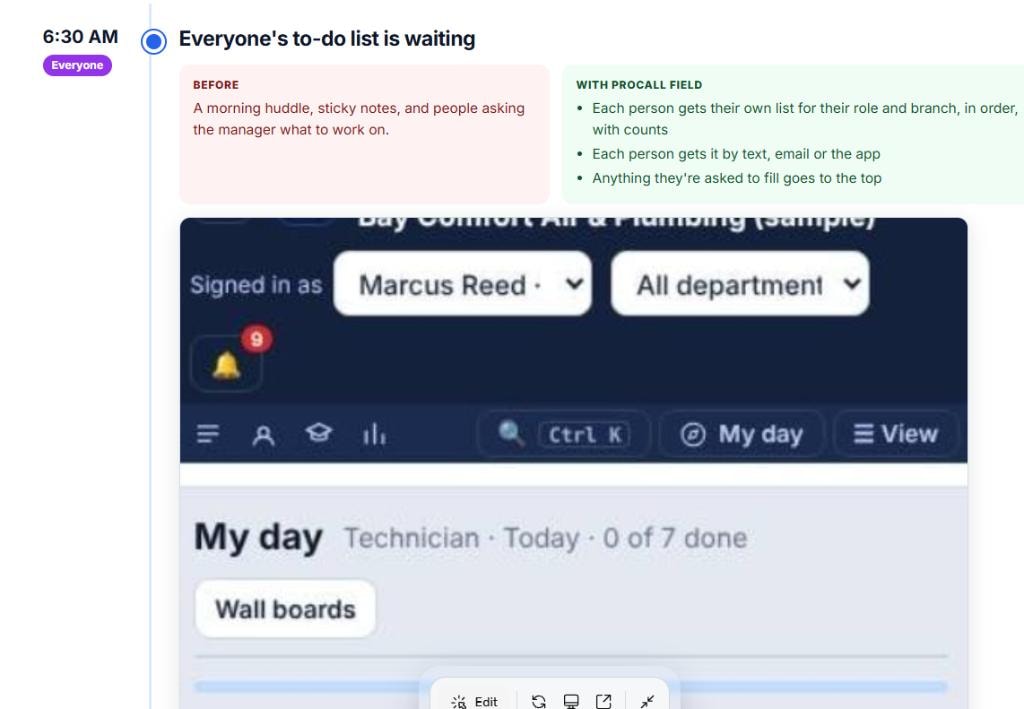
Everyone's to-do list is waiting

BeforeA morning huddle, sticky notes, and people asking the manager what to work on.
With ProCall Field
  • Each person gets their own list for their role and branch, in order, with counts
  • Each person gets it by text, email or the app
  • Anything they're asked to fill goes to the top
A rep's daily to-do list
6:45 AMTechnician

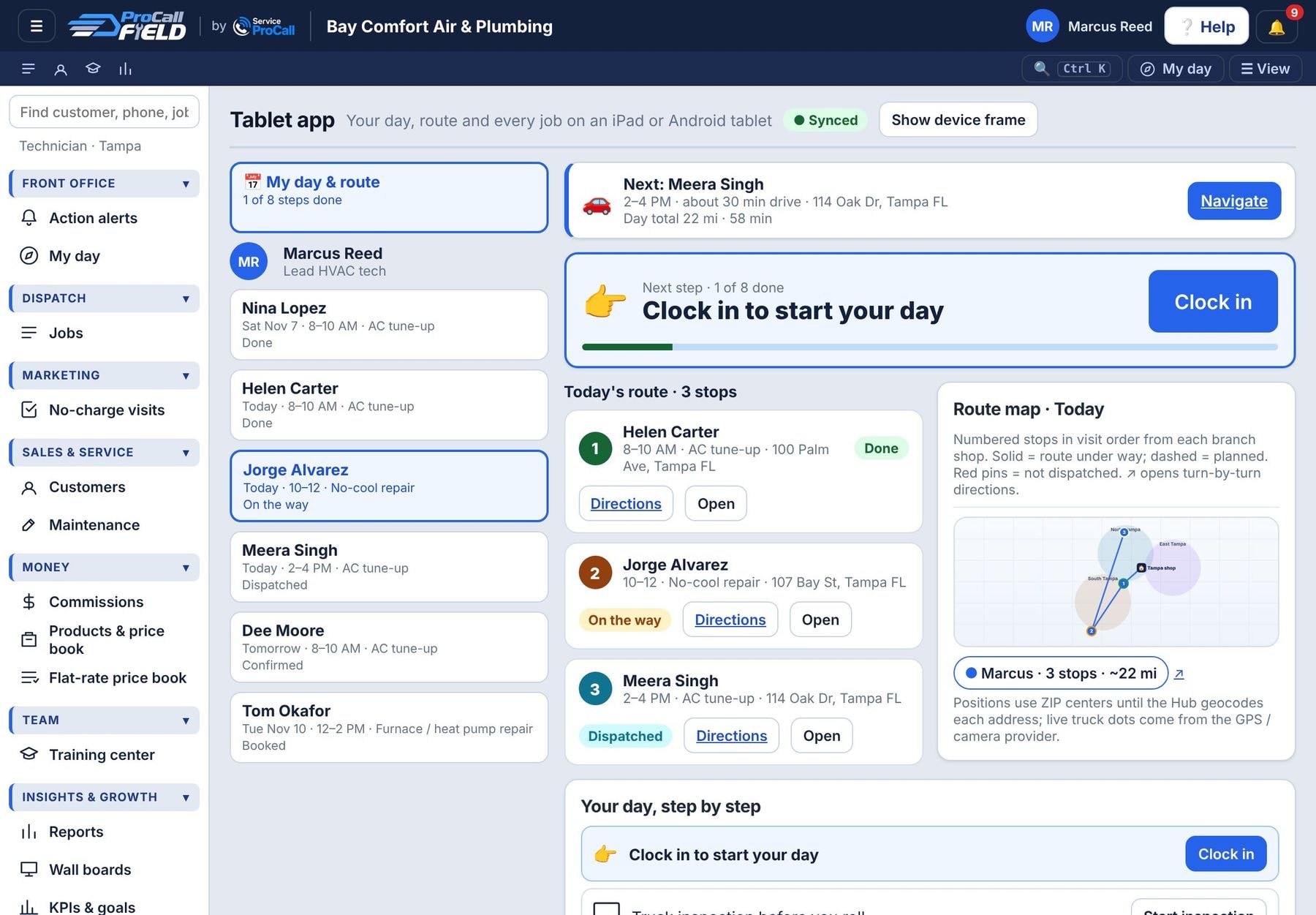
Clock in, and the day is already planned

BeforeAddresses texted in a group chat, a paper truck checklist, and calling the office to ask what’s first.
With ProCall Field
  • Clock in on the tablet; the daily truck inspection comes first
  • Today’s stops are mapped in order, with directions
  • A “next step” bar walks the tech through the whole day
Clock in, and the day is already planned
7:00 AMCall center / CSR

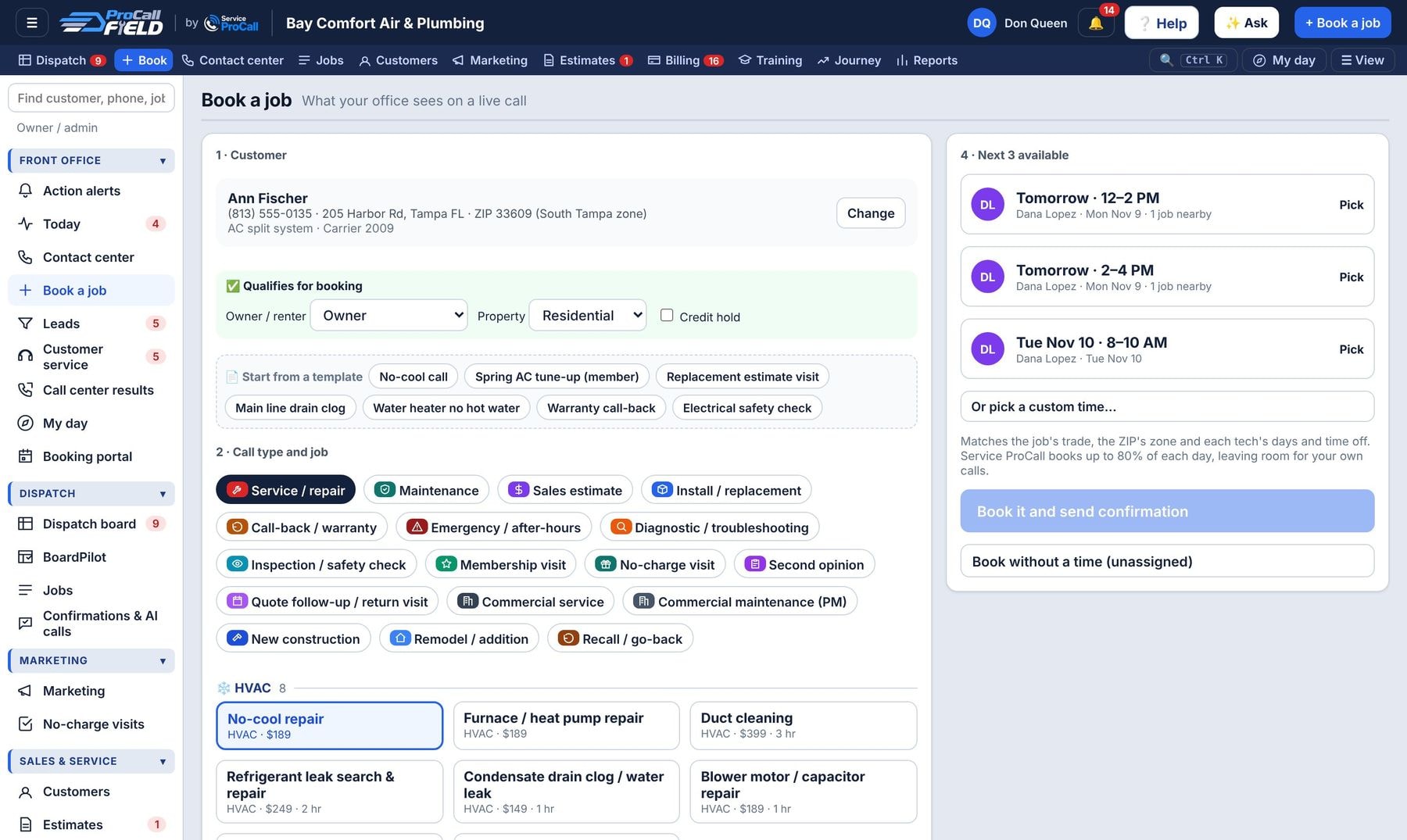
Every call booked in under two minutes

BeforeA paper calendar or Google Calendar, a whiteboard of who’s free, and a separate app to text the customer.
With ProCall Field
  • The caller pops up with history, equipment and membership
  • Intake questions for the job type, then the next three real openings
  • Confirmation text goes out on its own; the marketing source is saved
Every call booked in under two minutes
7:30 AMDispatch

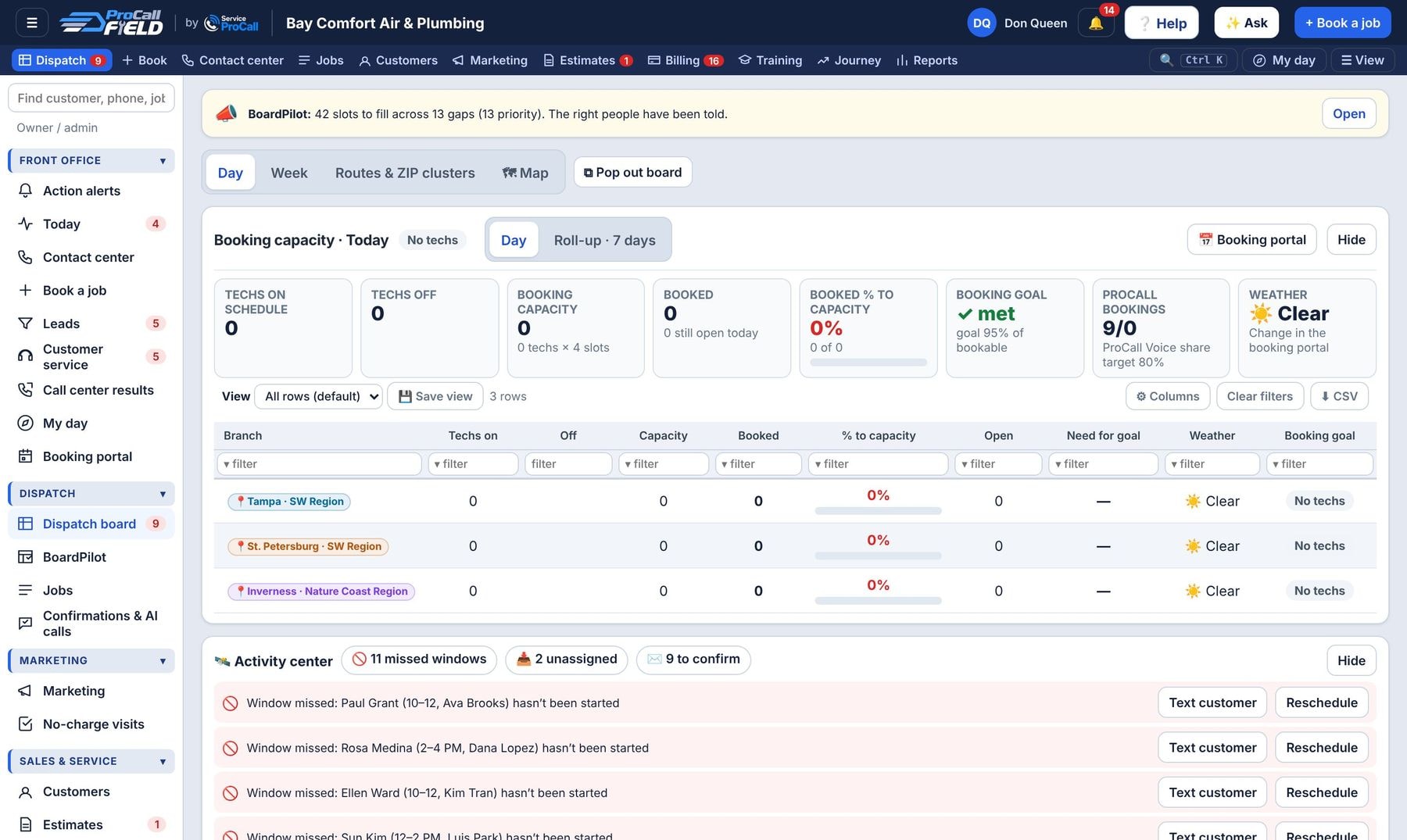
The board runs itself, on its own screen

BeforeA whiteboard, phone calls to every tech, and finding out a job is late when the customer calls.
With ProCall Field
  • Pop the live board onto a second monitor
  • Auto-assign by skill, ZIP zone and drive time
  • Running-late, no-show and unassigned jobs flagged automatically
The board runs itself, on its own screen
8:15 AMOnly in ProCall

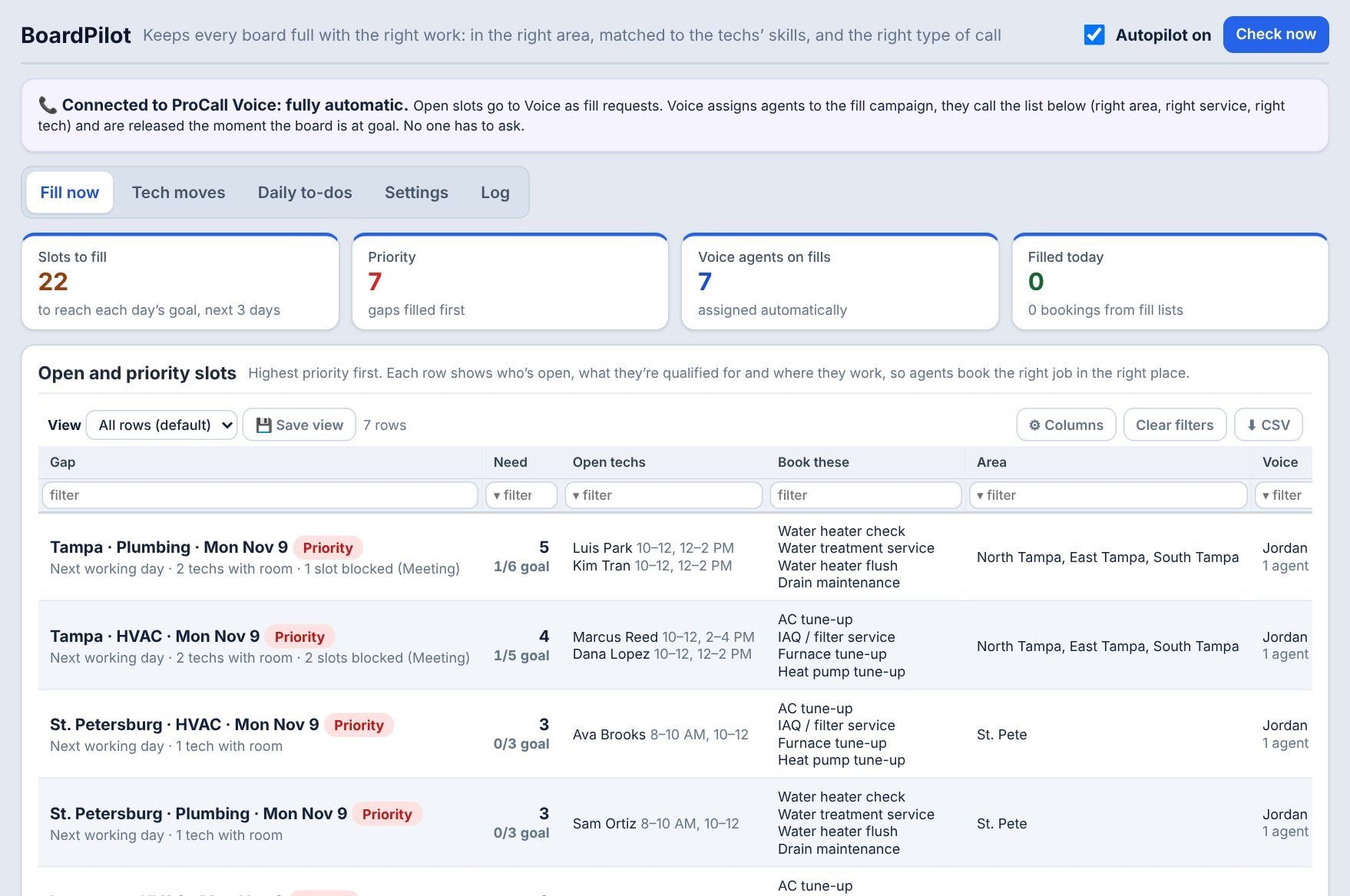
Tomorrow is light, and BoardPilot fills it

BeforeSomeone notices the board is thin at 4 PM, texts the CSRs, and they call whoever comes to mind, for whatever, wherever.
With ProCall Field
  • Priority slots found across every branch and trade
  • Each gap gets the right customers: in the open techs' area, for a service they're qualified to do, with the slot to offer
  • The right people are told, branch by branch, until it's filled
  • A zone out of room borrows a qualified tech for the day
BoardPilot
9:00 AMBusiness development rep

Calling your own customers, not cold lists

BeforeExporting customers to a spreadsheet, sorting by hand, and losing track of who was called.
With ProCall Field
  • Call lists built from your customer history: aging equipment, lapsed members
  • Scripts and the no-charge maintenance or inspection visit, if you offer it
  • Every booking carries its department code back to the reports
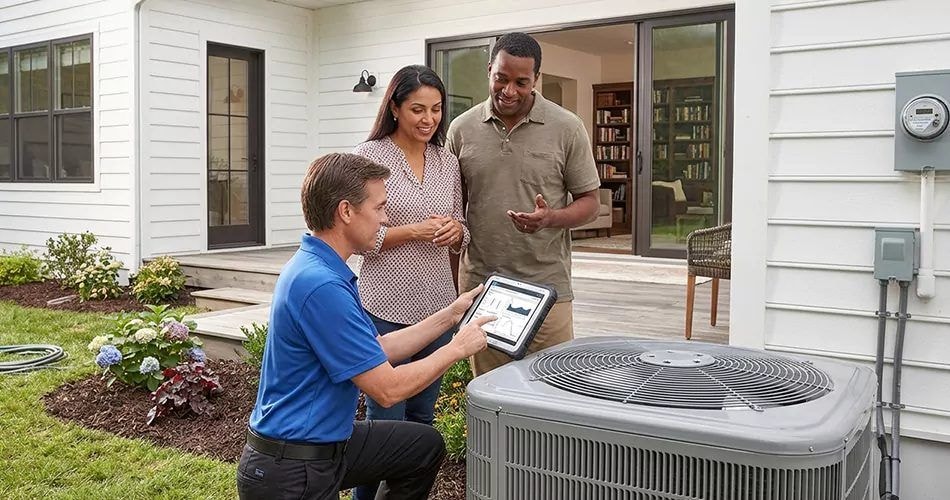
HVAC technician with homeowners at their outdoor unit
10:15 AMTechnician

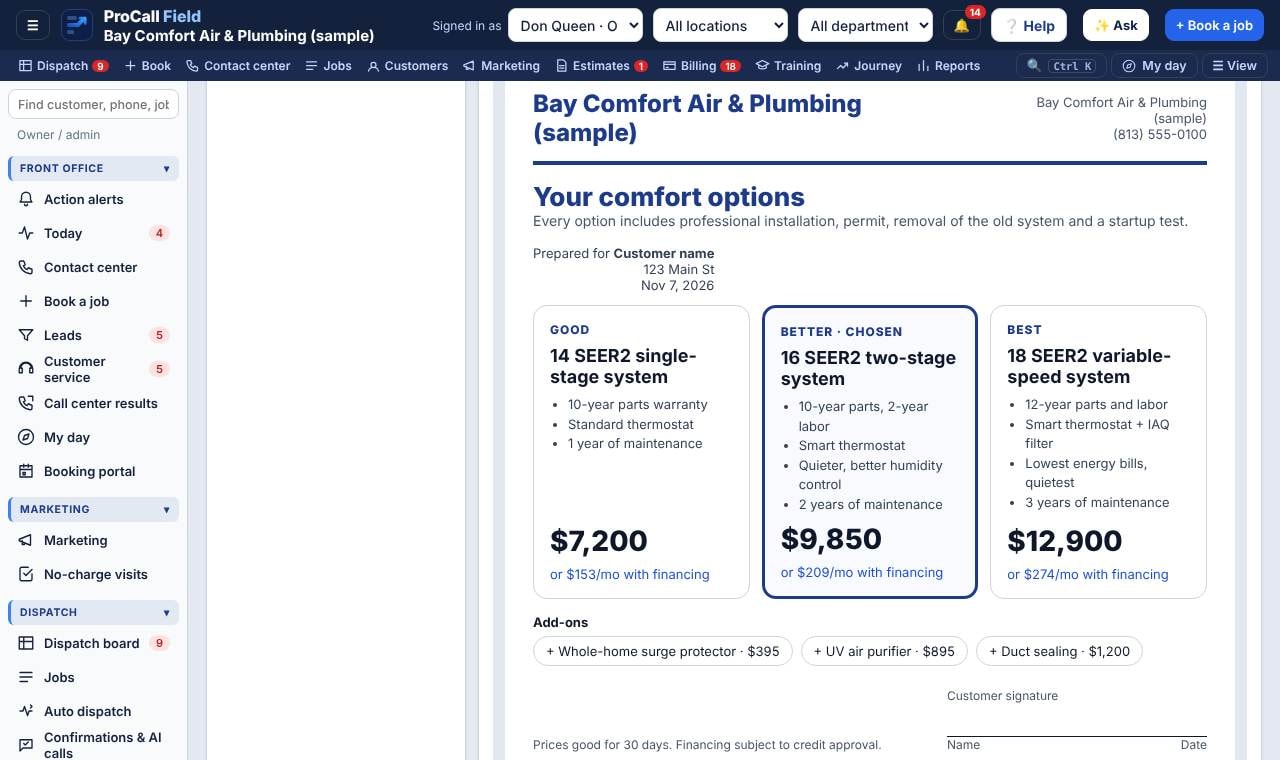
Walk in knowing the customer and the job

BeforeReading a few words on a work order and guessing what the customer was told on the phone.
With ProCall Field
  • Job brief: what the call center heard, past visits, equipment age
  • Checklist and photos captured on the tablet, even with no signal
  • Good / better / best offer sheet with your logo and monthly financing
Walk in knowing the customer and the job
11:30 AMTechnician

Finished, paid and reviewed before leaving the driveway

BeforeWriting an invoice, chasing payment next week, and hoping the customer remembers to leave a review.
With ProCall Field
  • Close out with a reason code: complete and billed, sold, go-back, no show
  • Card, ACH or financing paid on the spot; QuickBooks updates
  • Google review QR on the tablet; parts receipt goes to job cost
Technician handing a homeowner a card at the door
1:00 PMHome sales advisor

A sale turns into an install with no retyping

BeforeRe-entering the sold proposal into another system and emailing the install crew.
With ProCall Field
  • Signed offer becomes the estimate and the install job
  • Permit and inspection steps, equipment and the install crew attached
  • Retail partner jobs (like Home Depot) billed to the partner with their order number
Advisor showing homeowners options on a tablet
3:00 PMOffice & accounting

Bills, trucks and paperwork without the binders

BeforeA fleet spreadsheet, a filing cabinet of licenses, and sticky notes for what expires when.
With ProCall Field
  • Vendor bills and parts receipts land in payables, tied to jobs
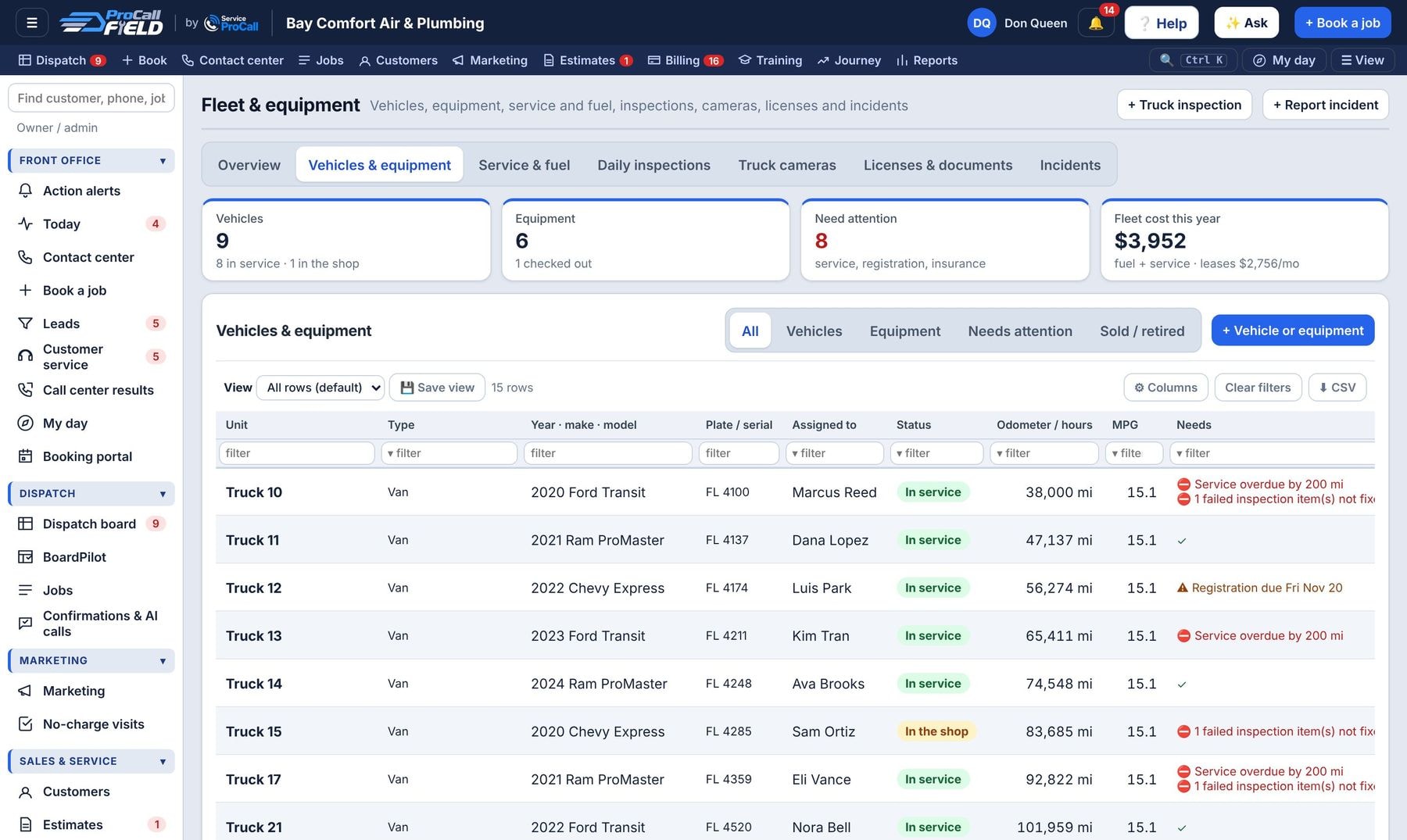
  • Trucks due for service, registration and insurance flagged
  • Compliance shows missing licenses, MVRs and safety meetings by person
Bills, trucks and paperwork without the binders
5:30 PMTechnician

End-of-day report, then clock out

BeforeTexting the boss a summary and filling out a paper timesheet at the end of the week.
With ProCall Field
  • End-of-day report: jobs, sales, issues, truck notes
  • Clock out; hours flow straight into payroll
  • Tomorrow’s first stop is already on the tablet
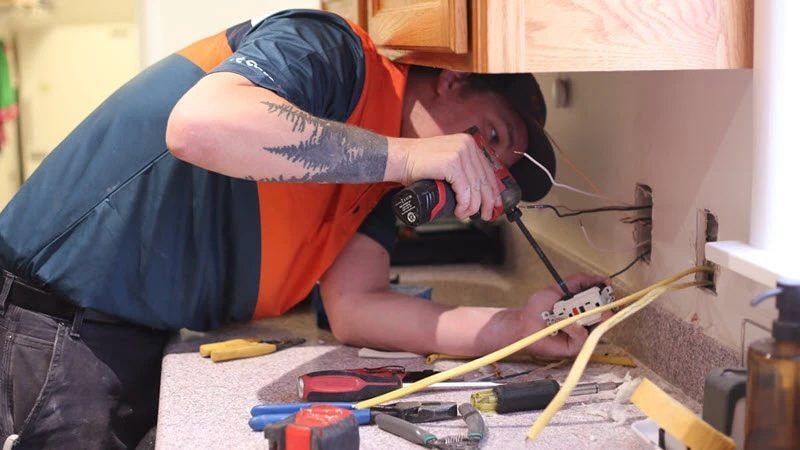
Electrician finishing a kitchen outlet
6:00 PMOwner

Know how the day went from your phone

BeforePulling numbers from five apps into a spreadsheet on Sunday night.
With ProCall Field
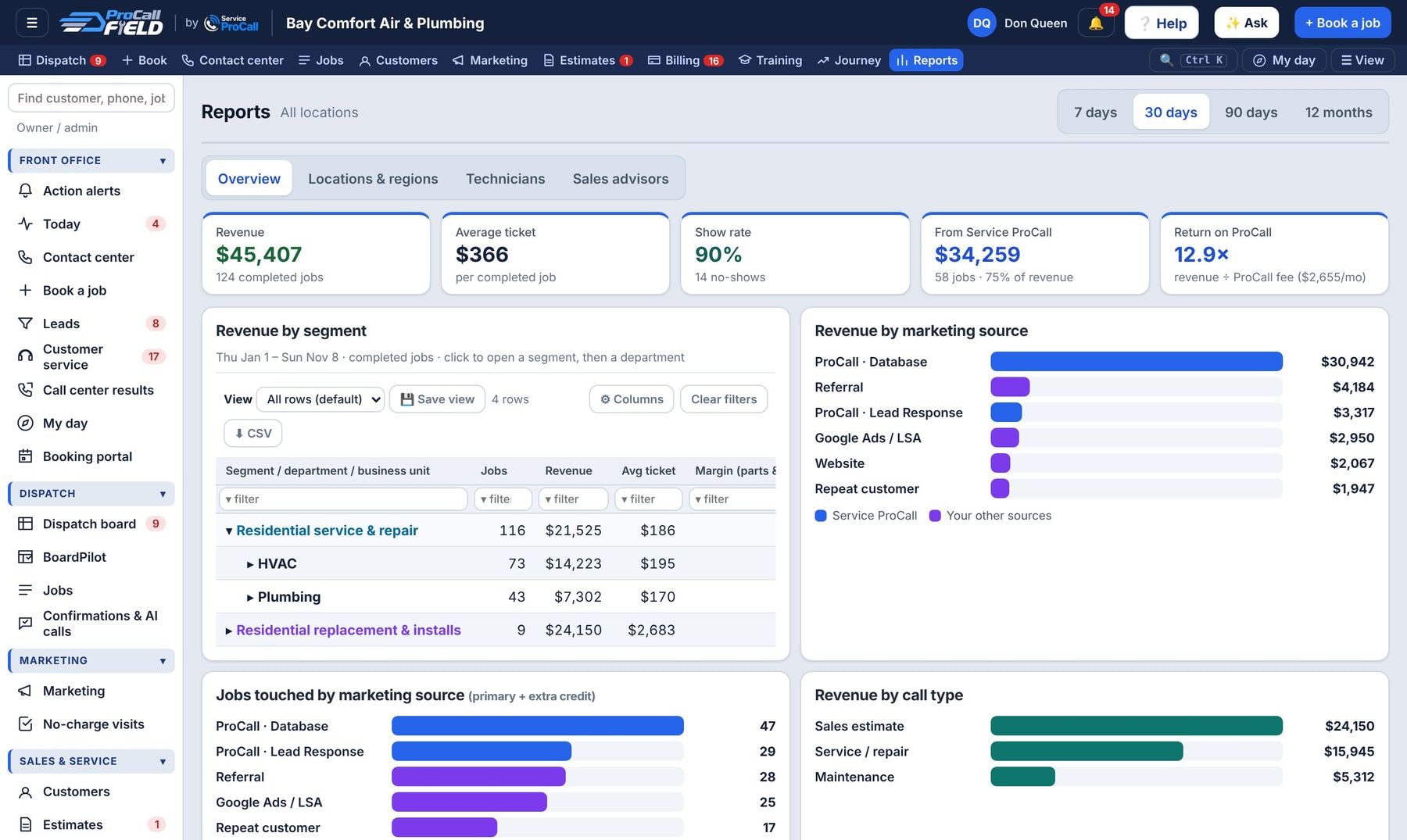
  • Revenue, close rate and show rate against goals
  • Segment → department → business unit roll-up
  • Marketing ROI by source, including Service ProCall bookings
Know how the day went from your phone
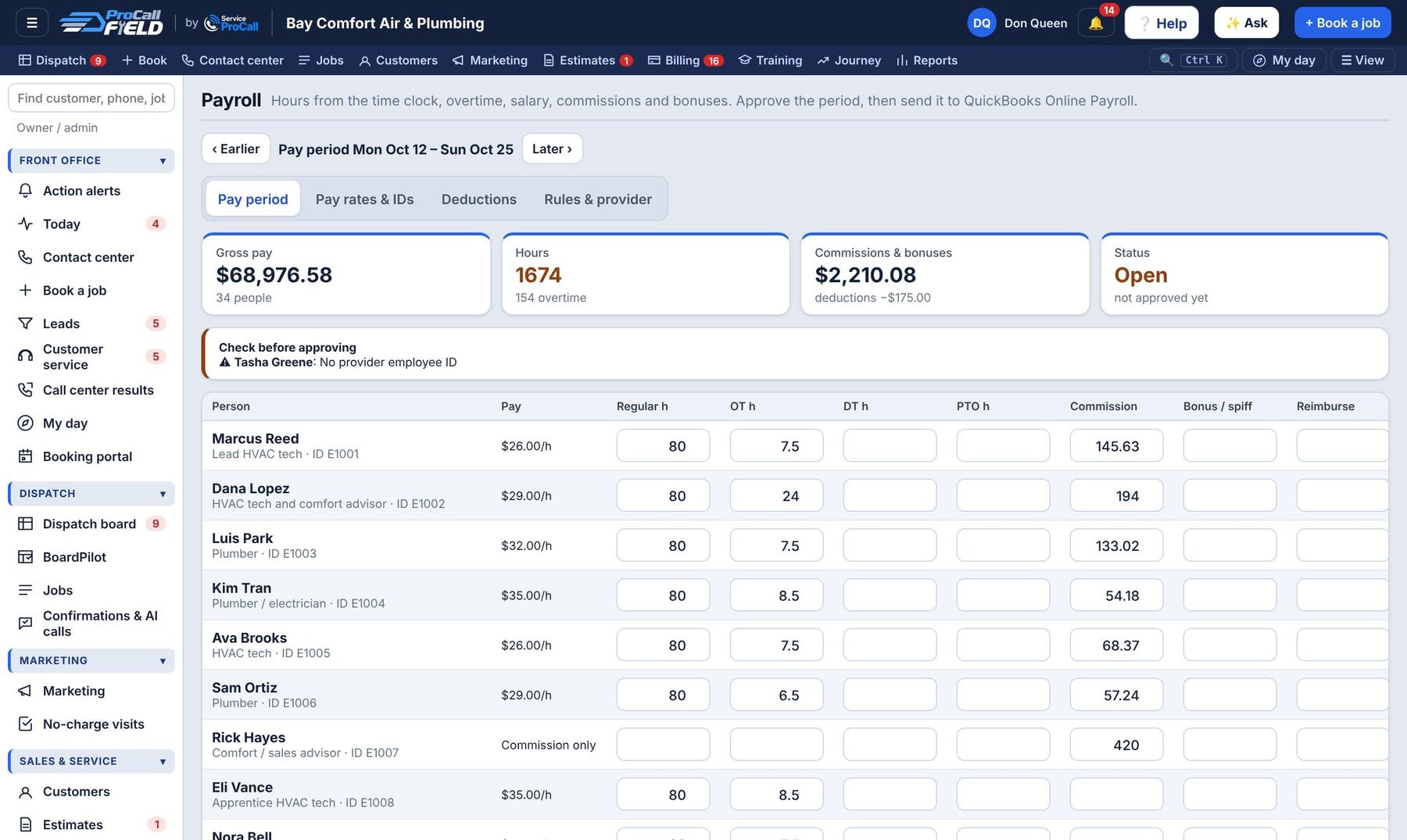
FridayPayroll

Payroll in ten minutes

BeforeCopying timesheets into a spreadsheet, adding up commissions by hand, and retyping it all into the payroll site.
With ProCall Field
  • Regular, overtime and double time from the time clock
  • Commissions, spiffs, and tool or uniform deductions included
  • Approve and send to QuickBooks, or export for ADP, Paychex or Gusto
Payroll in ten minutes
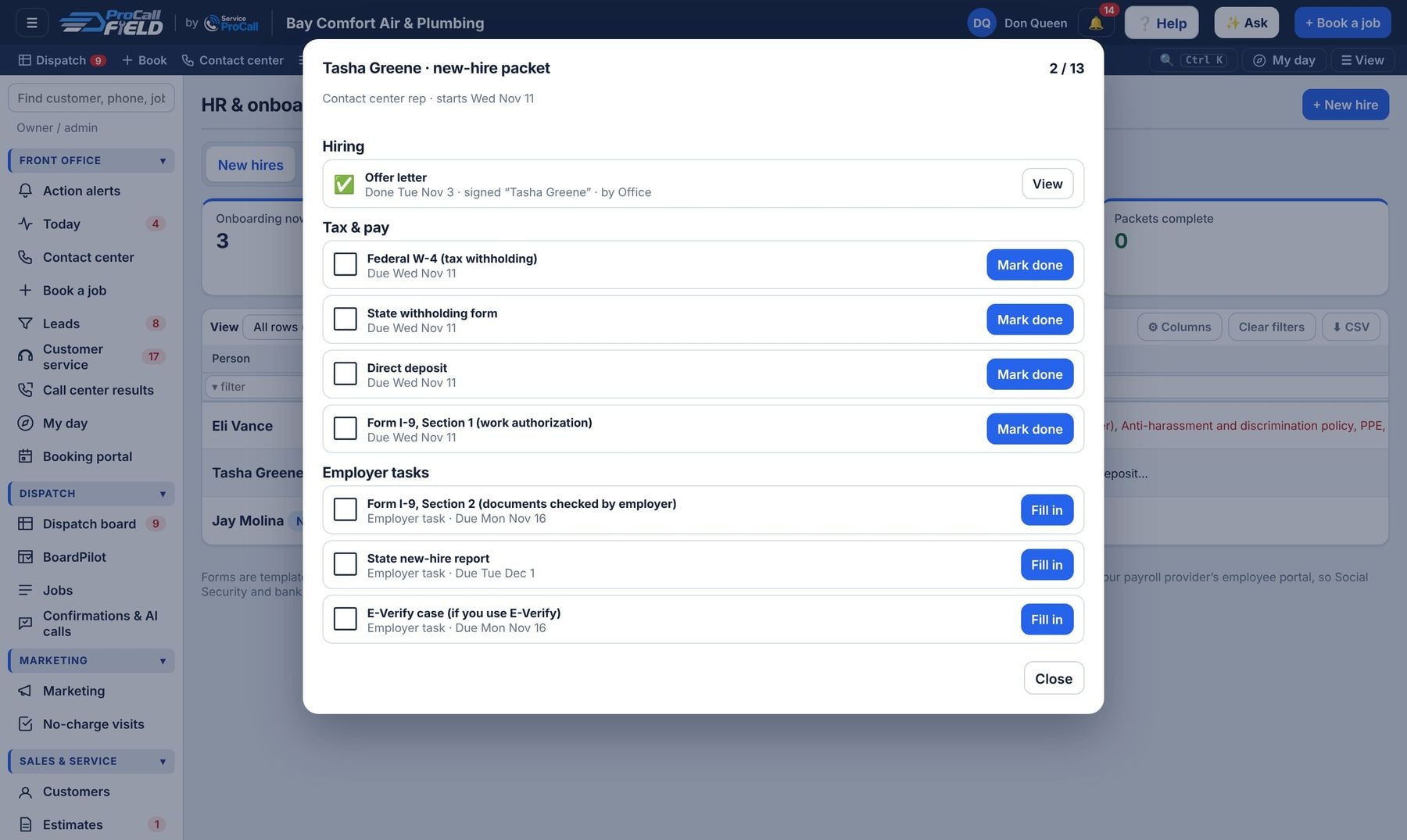
MondayNew hire

A new tech signs everything from the tablet

BeforeA paper packet, missing I-9s, and nobody sure if the driving record was checked.
With ProCall Field
  • New-hire packet picked by position, e-signed
  • Driving record, drug test and license steps tracked
  • Training lessons and ride-alongs until they’re ready to run calls
A new tech signs everything from the tablet
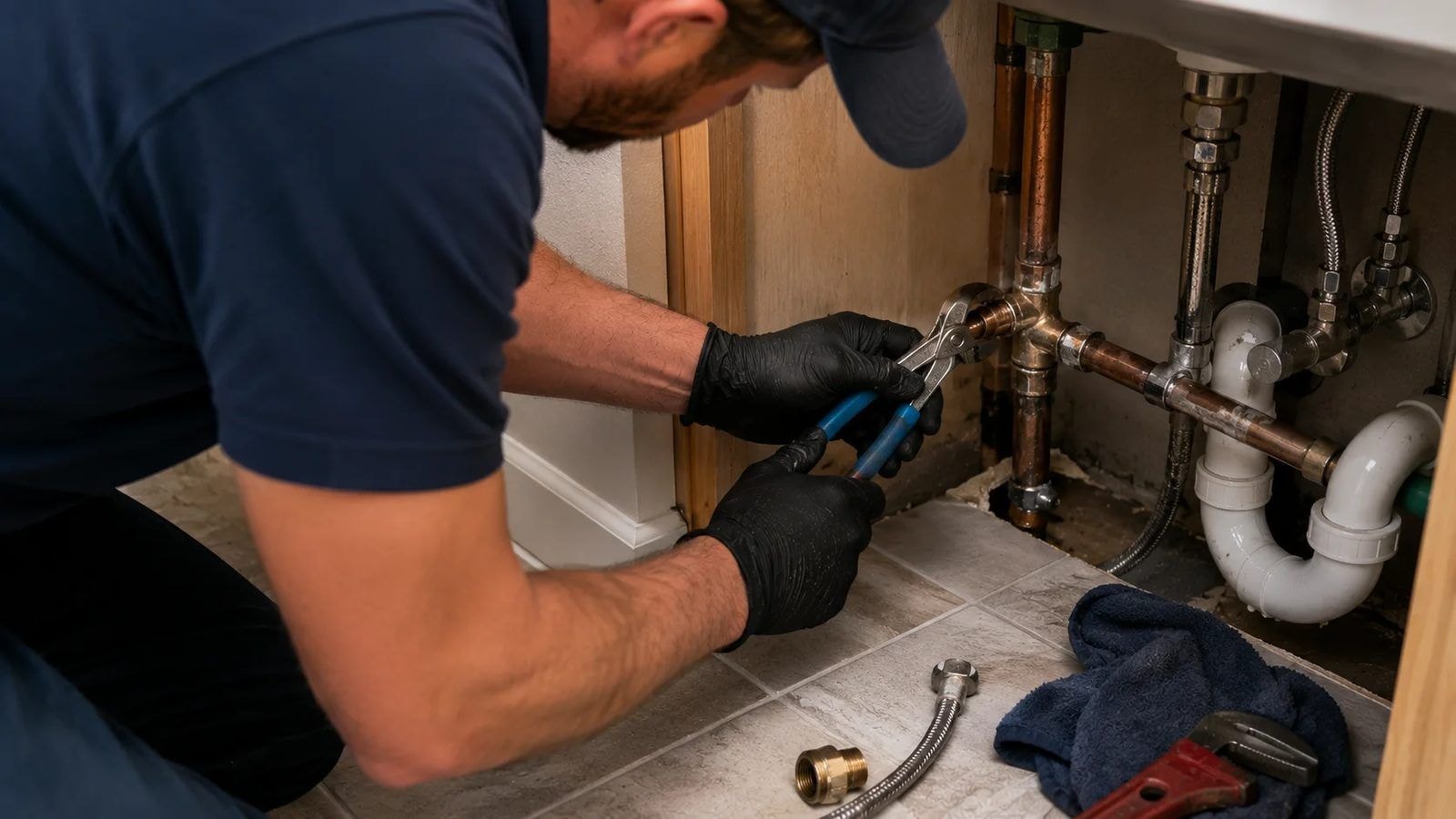
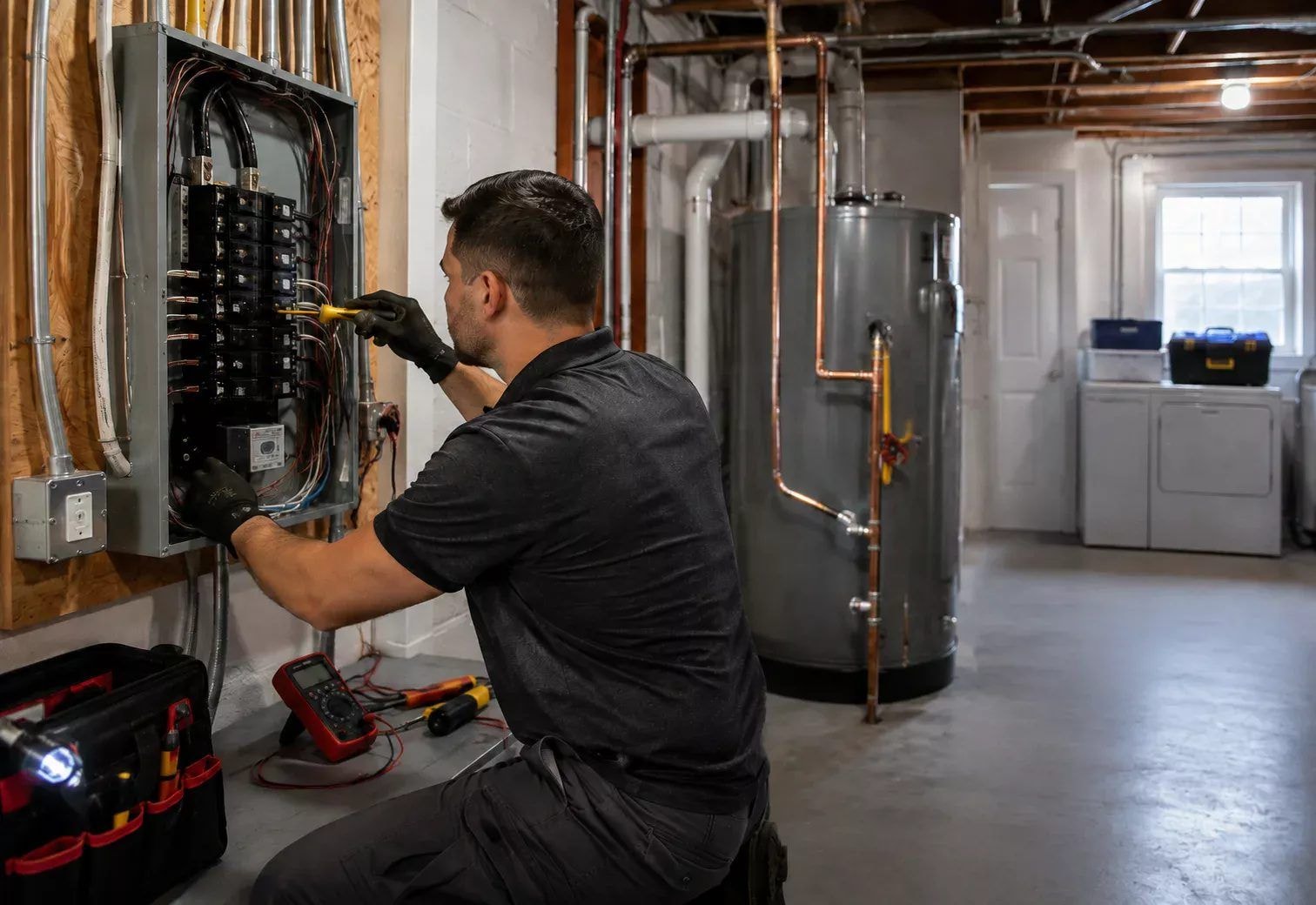
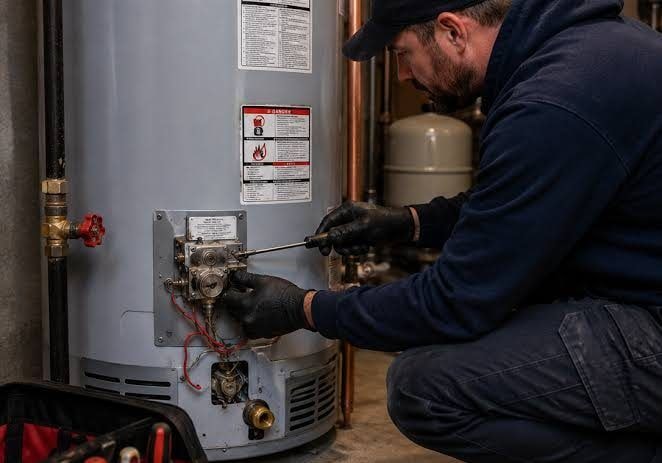
Plumber tightening a fitting under a sinkElectrician in a basement breaker panelPlumber servicing a water heaterTechnician greeting a homeowner

What it replaces

Everything above runs in one app with one login per person, so nothing is typed twice.

🗒
Whiteboard or Excel dispatchLive dispatch board
📅
Paper or Google calendarBooking with real openings
💬
A separate texting appAutomatic texts on your Quo number
📄
Paper work orders and quotesTablet checklists and offer sheets
💳
Chasing checksPay on the spot, autopay, QuickBooks sync
⭐
A paid review appGoogle review QR on the tablet
📈
Commission spreadsheetsCommissions calculated from every job
🧮
Timesheets and payroll spreadsheetsPayroll sent to your provider
🚚
A fleet spreadsheetFleet and equipment with service reminders
🗂
HR binders and paper packetsE-signed packets and compliance
☎️
Call lists in ExcelNo-charge visit and outbound call lists
📊
Sunday-night reportsLive KPIs, segments and wall boards

Email goes out from your own business address on every plan. Texting runs on your own Quo account and payments on your own Stripe account; QuickBooks sync and the AI assistant are optional add-ons.

Fill the board. Run the day. Get paid.

See it with your own jobs

Start a free 14-day trial with guided setup, or book a walk-through with Service ProCall.

Start free trial